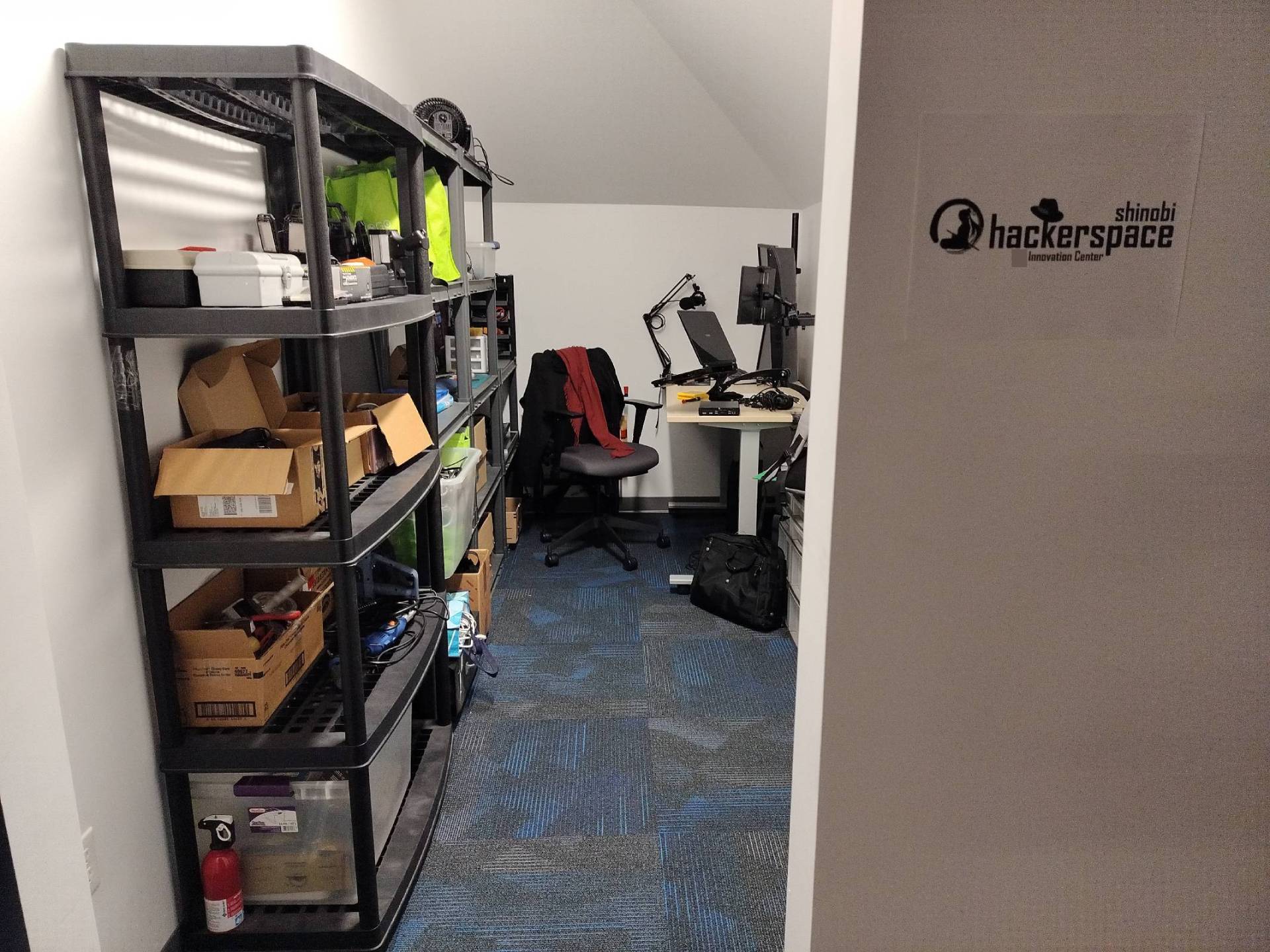
Welcome to the Shinobi Hackerspace. I am the host, Shinobi.
You are seeing this probably because you have visited the Hackerspace in person. As the host, I am supposed to give you an on-site orientation for the first time, but unfortunately this article is all I can do for you right now.
This hackerspace (or so called hacklab if you will) also functions as a tool library for the local community. It advocates the idea of mutial aid and Free & Open-source movement, so using the on-site equipment or borrowing tools is free of charge.
You can learn more about these ideas from
Here are some books to read if you’d prefer
Many thanks to our generous leadership at the Innovation Center who made this place possible!
Guidelines
- Membership & access
- Open to anyone with Innovation Center access (Please join the club).
- Be informed of this guideline or someone on site.
- Responsibility & community care
- Everyone using the space should keep it clean and organized.
- Use equipment responsibly to prevent damage and accidents.
- Consult manuals online or ask staff/host when unsure.
- Members are encouraged to help one another; mutual aid is recommended.
- Hosts & volunteers
- Seeking co-hosts who can (or willing to learn to) maintain hardware and operations.
- Hosts/organizers handle safety decisions and incident response.
- Tool library & Self‑help repair shop
- Users are expected to perform (or be able to learn) repairs, maintenance, and basic troubleshooting themselves. (iFixit/Instructables/YouTube is your best friends)
- Contact staff/host for questions, safety concerns, or when assistance is needed.
- Staff/host may provide guidance but are not responsible for user projects.
- Borrowing
- Servers and stationary equipment are onsite use only.
- Mobile devices (e.g. laptops/phones): borrowable up to one semester;
- Unpopular devices are renewable right away.
- Wipe personal data before returning or done using.
- Small tools, consumables, accessories (pliers, cables, adapters): borrowable up to one month; basic maintenance required before return.
- AI servers & content rules
- AI servers are able to generate text, image, video, and audio. (you can run whatever model you want)
- Delete all generated outputs and personal data when finished.
- Save and share your awesome prompt/workflow with others!
- Monitor the CPU/GPU temperature proactively with
btop. (let someone know if it goes above 80C) - Political, NSFW and illegal content are prohibited. (watch out license/copyright information before using an AI model)
- Report misuse or problematic outputs to staff.
- Preliminary rules
- Check-out/in via a log on paper/spreadsheet or email list.
- Renewals allowed if no waitlist.
- Lost/damaged items: find someone to repair or donate something equivalent in share value.
- To keep an item permanently, make sure there is at least one duplicate/alternative available in the tool library. Donating back something with a similar share value (like your spares, backup, or less needed item that benefits the community).
- Equipment & safety
- Safety first. Make sure you have the capability of what you’re doing, or under supervision.
- Follow standard safety procedures and use PPE. (we’ve got earmuffs, gloves and goggles)
- Report damage, hazards, or incidents immediately.
- Other notice
- Clean work areas and return tools/supplies to their places.
- Use power tools outside the building.
- Use headphones for audio; respect quiet zones.
- Borrowing records retained only as needed for operations. Remove upon request.
- All other rules and conduct are aligned with Innovation Center.
Resources
The initial resources of this place are based on my personal donation, which is basically the relocation of my entire homelab and repair shop.
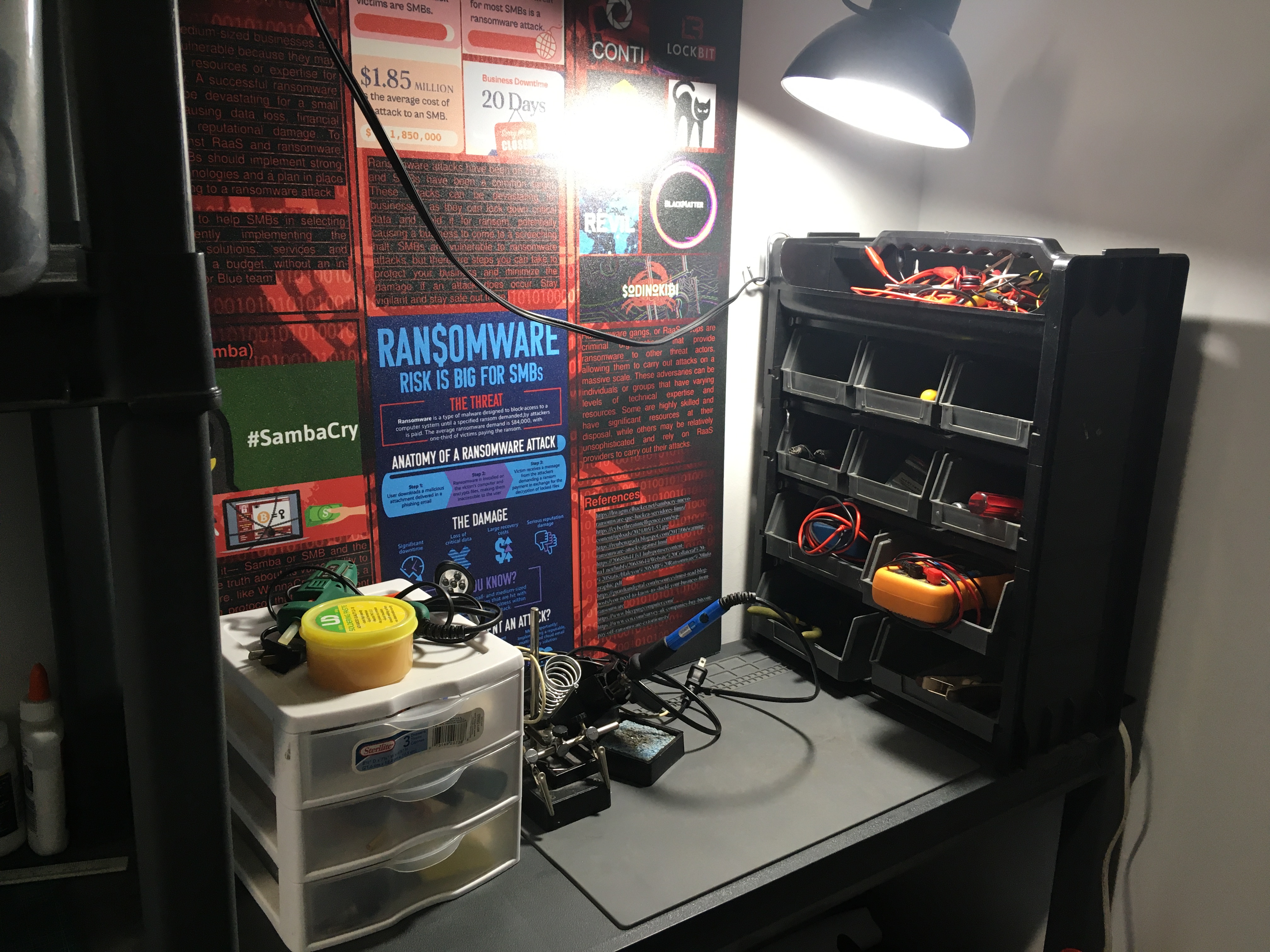
This area is at the left corner of the room, you can find almost all basic tools and supplies that an electrical engineering project may need. I use them to repair all sorts of electronics problems, and create weird gadgets sometimes also. The background is one of my old academic poster, it prevents electrical sparks from damaging the wall.
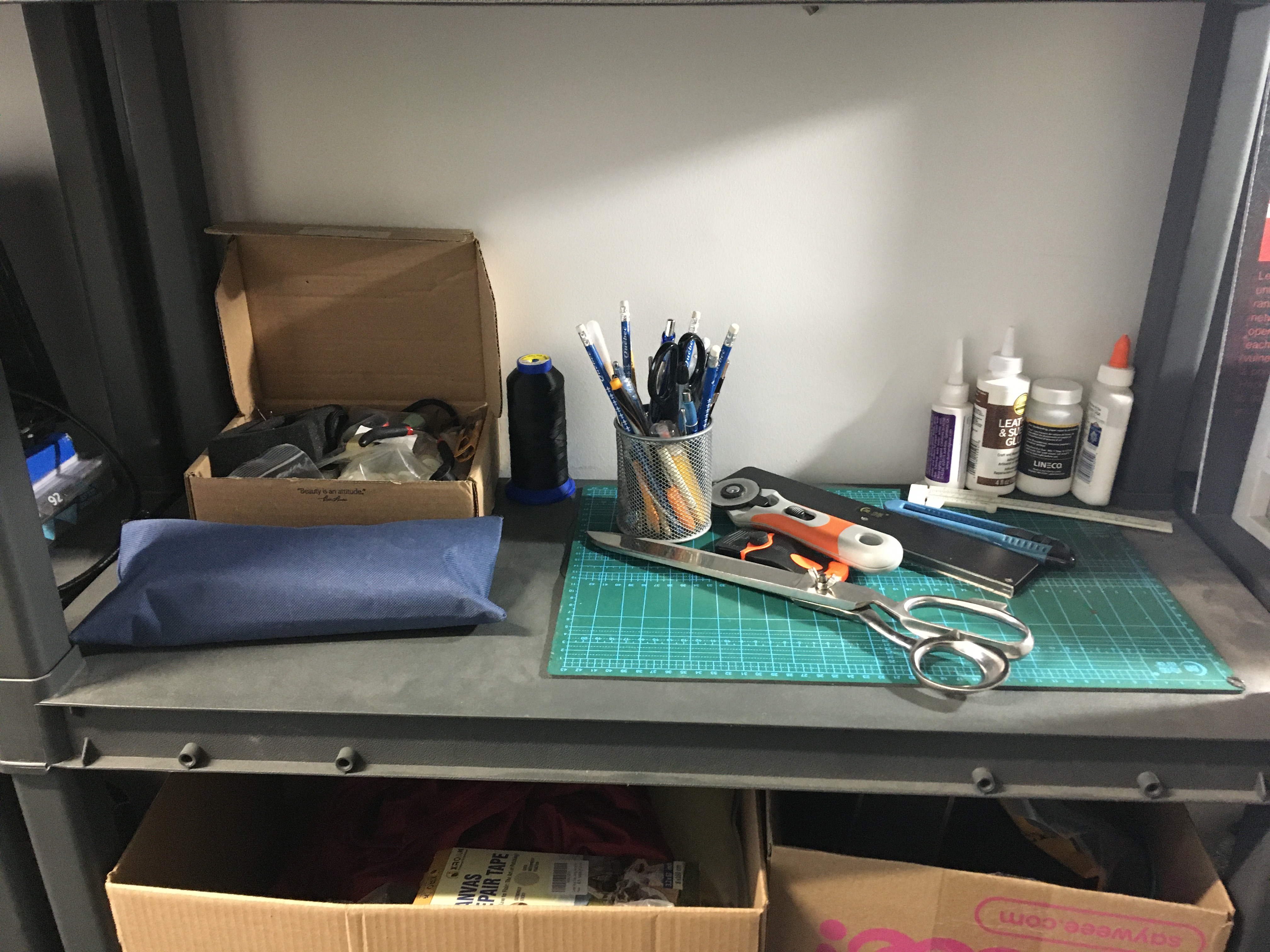
This area is next to the soldering place. There are all sorts of tailoring and sewing tools/supplies for very basic fabrics and leather work.
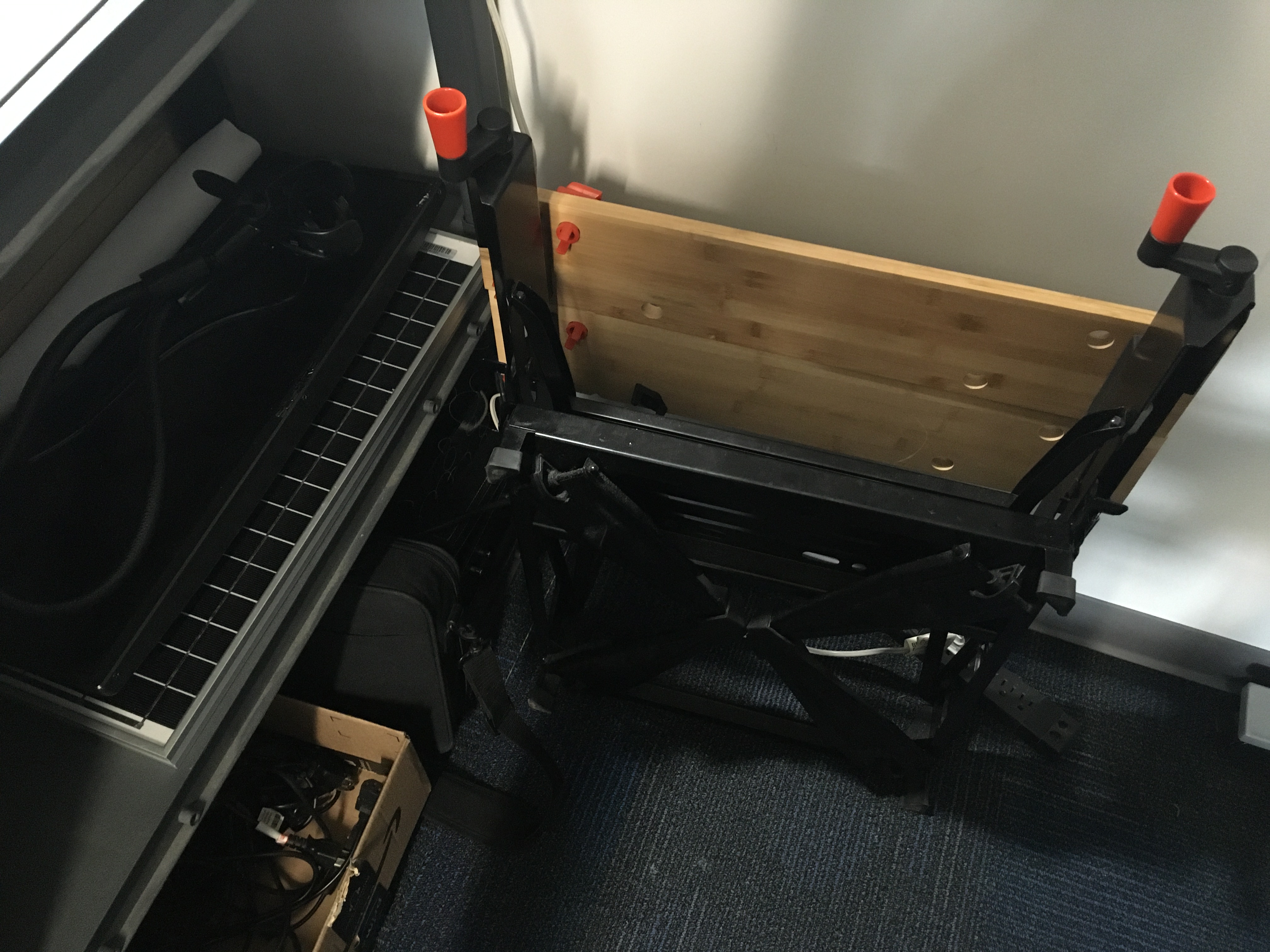
Down here is a portable workbench for working with large pieces of wood, metal or plastics.
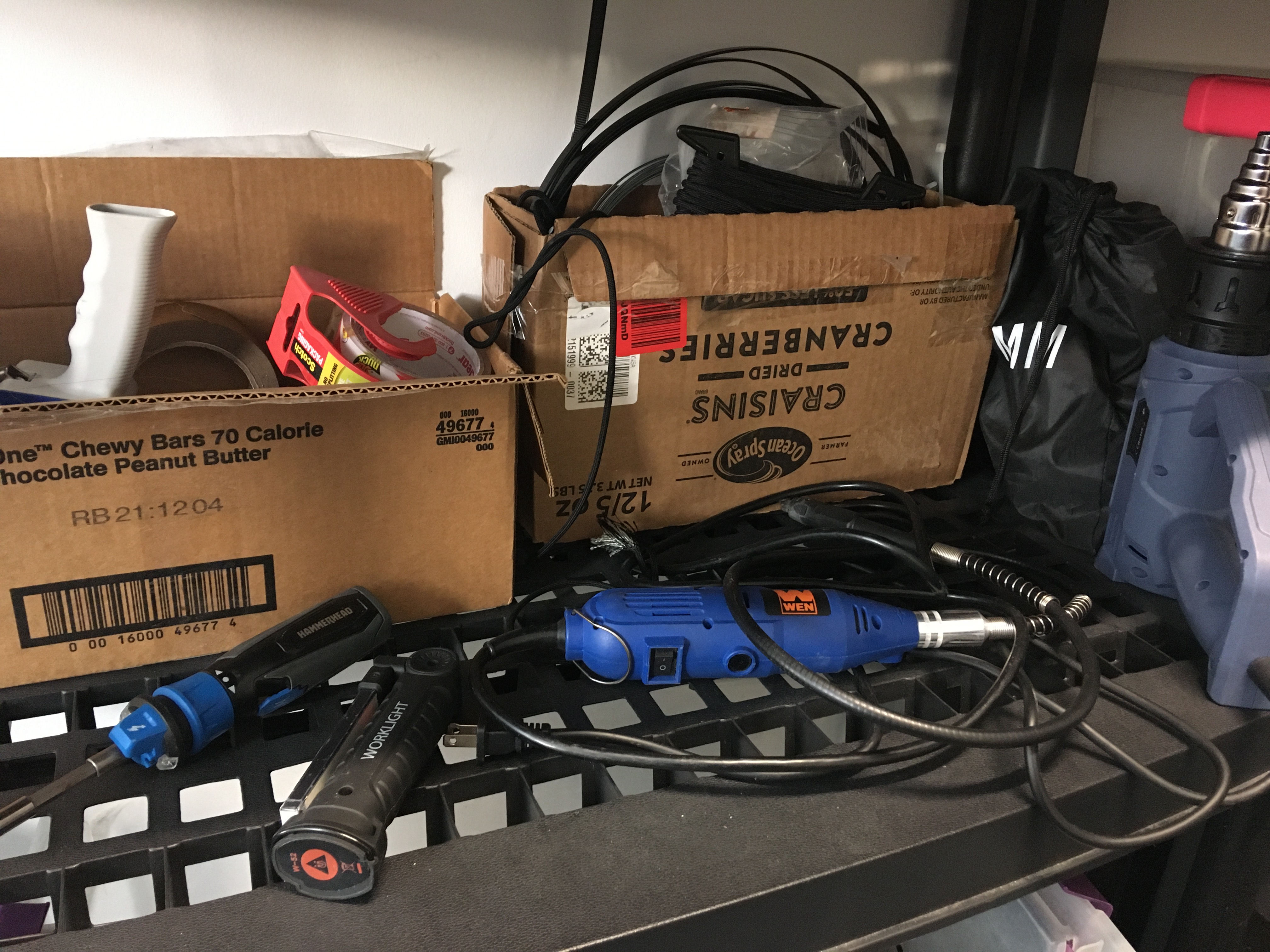
Near the entrance, here are some power tools, tapes and zip ties. A drill is borrowed by my roommate currently, and would be returned to here after done.
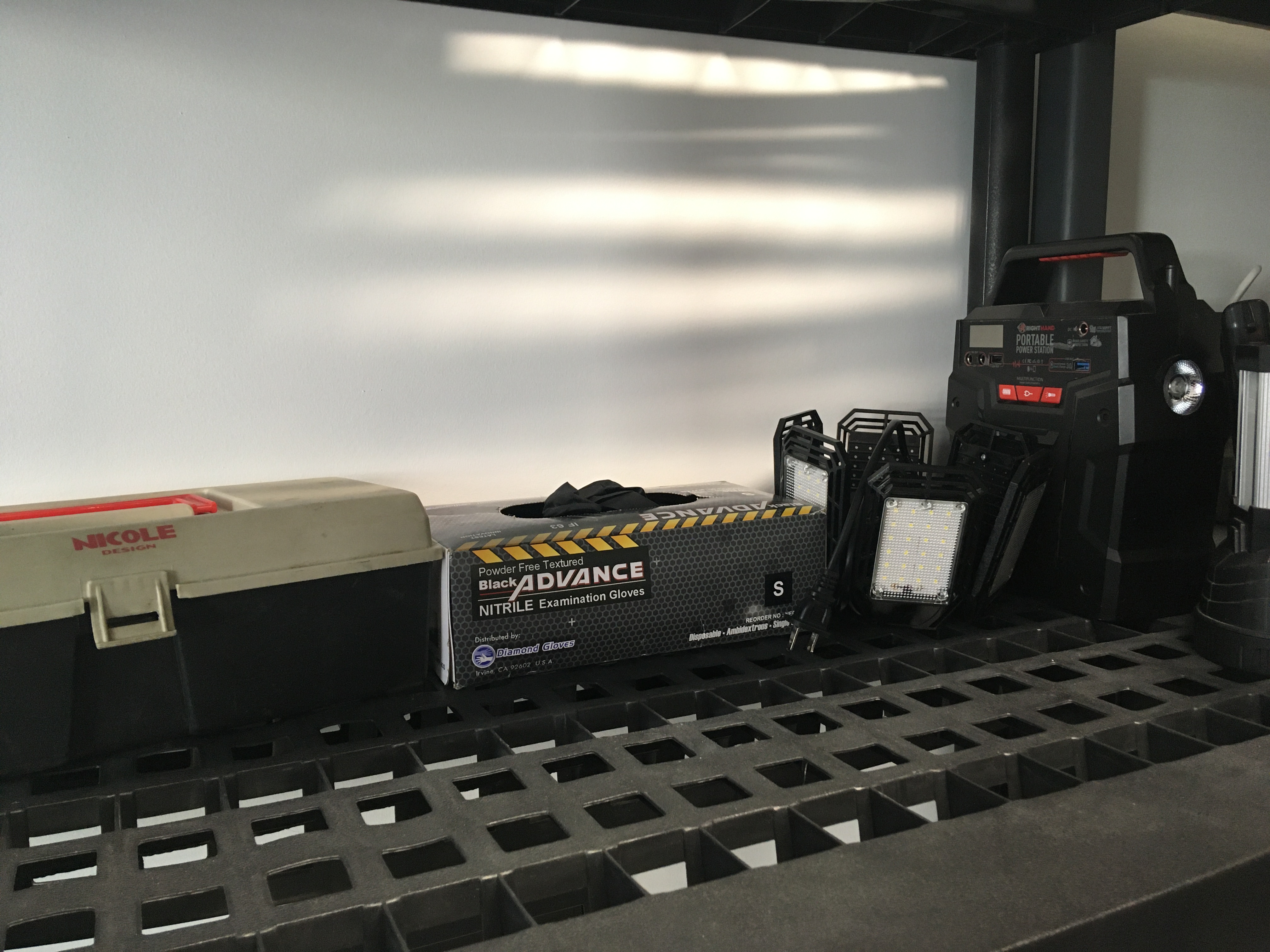
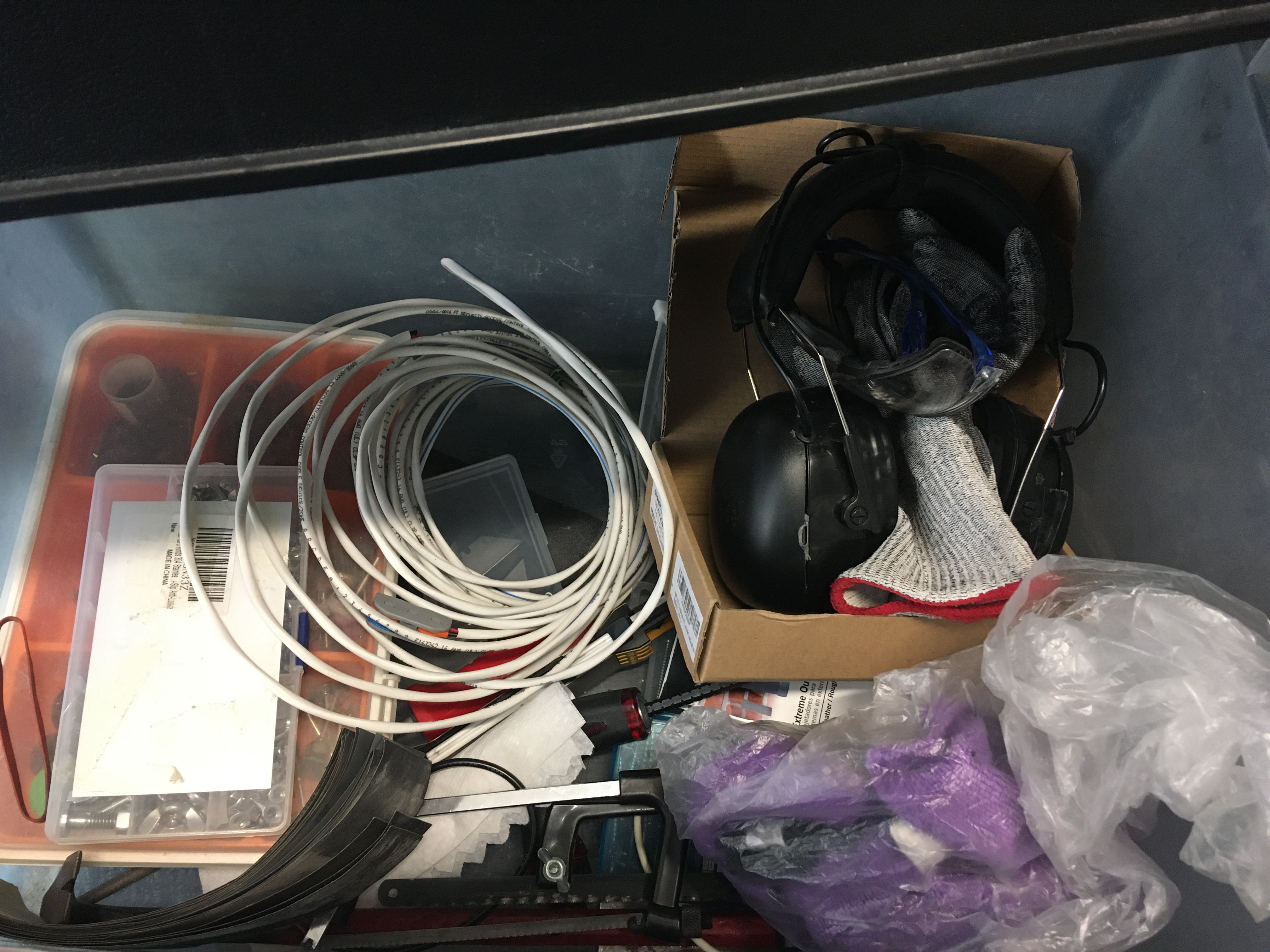
Some tool boxes with some common household tools. There is a portable power station used to be with a solar panel, and it’s handy because of the AC socket.
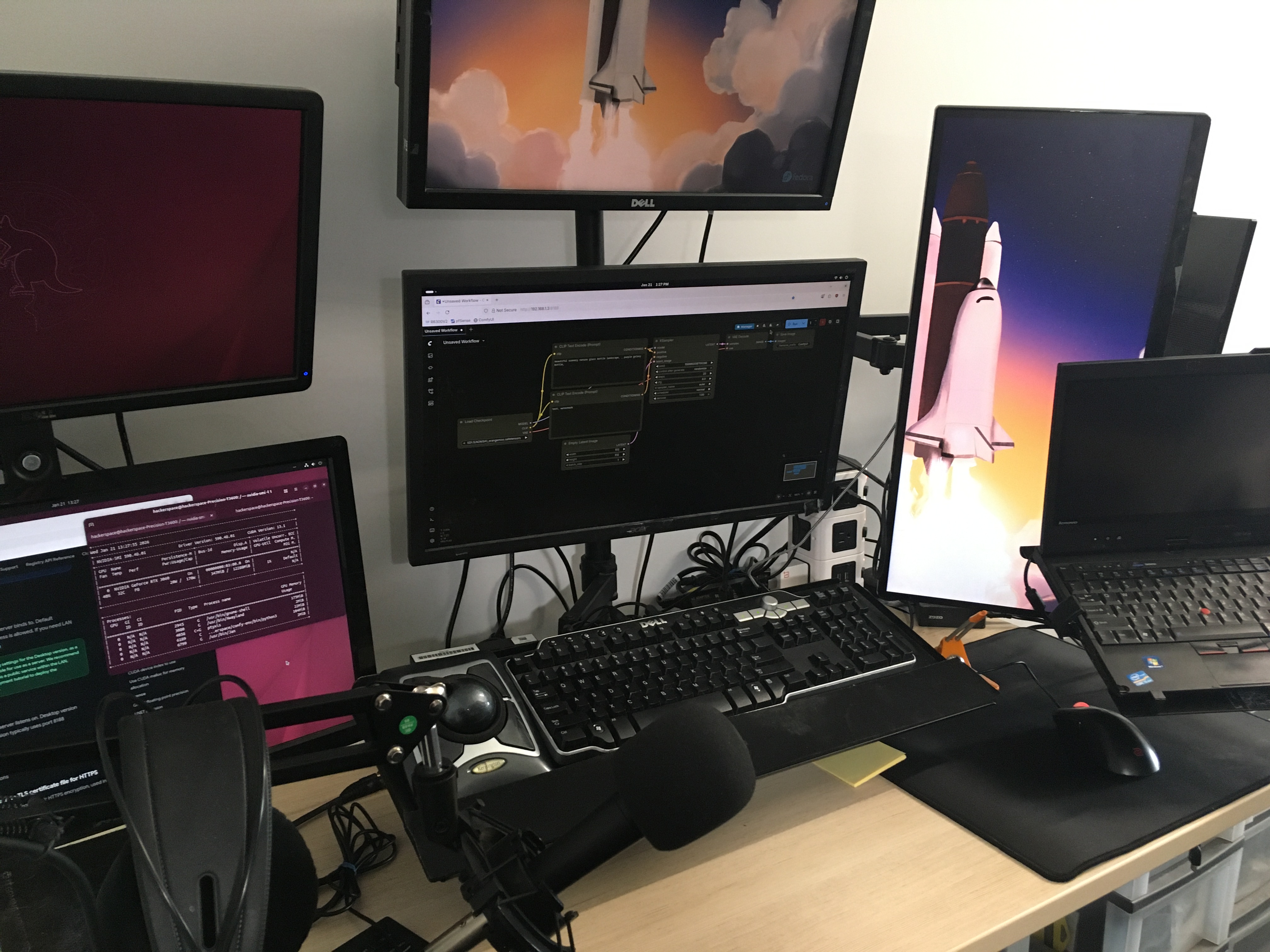
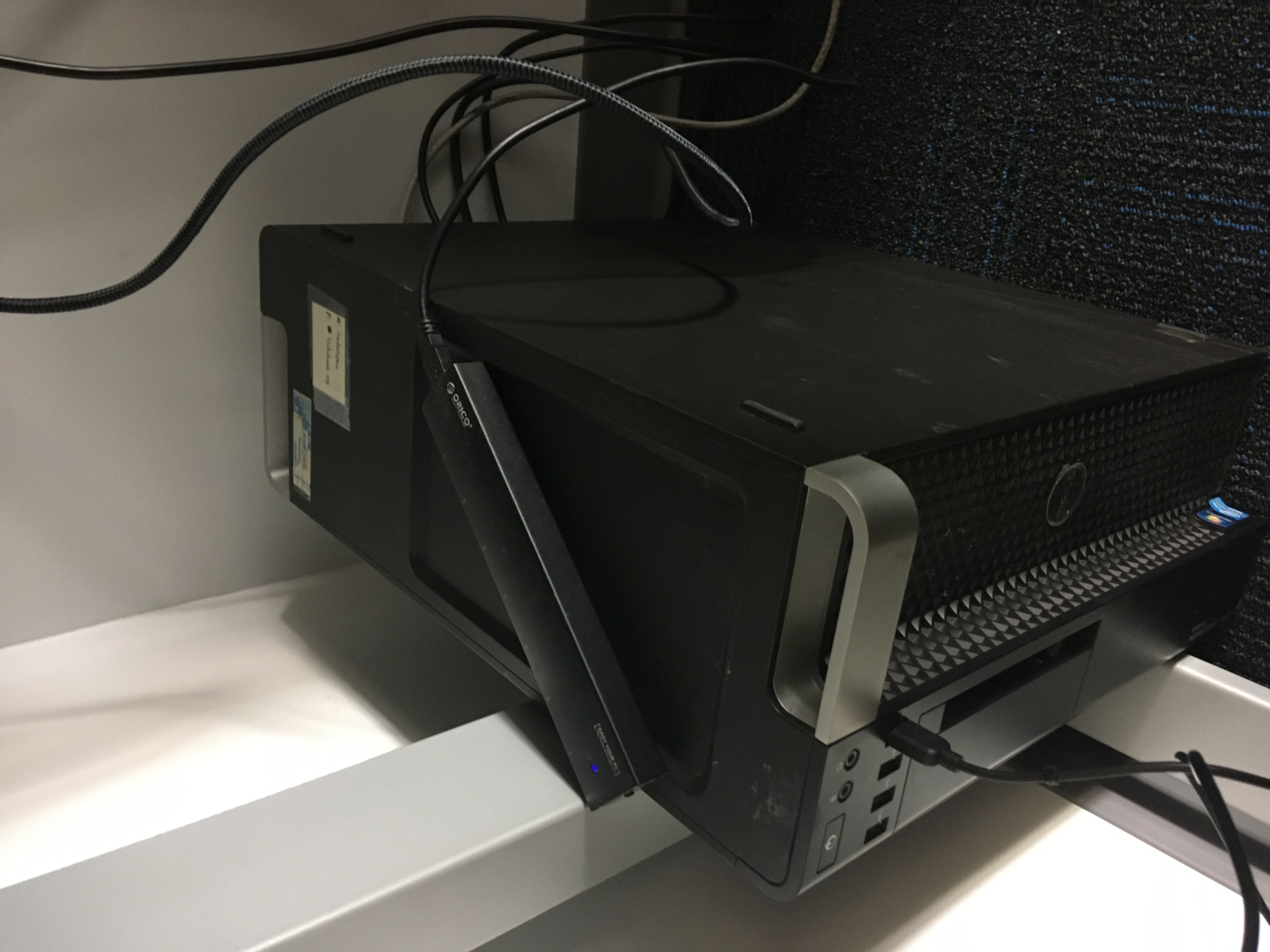
This was my workstation. Left side monitors are directly connected to an AI server with RTX 3060 12GB, which runs Ollama and ComfyUI with all sorts of models. The monitors at the center are connected to a desktop PC with latest Fedora Linux at the time.
The three monitors setup is very useful for Zoom meeting while sharing screen to demonstrate things. The trackball left to the keyboard is very useful but I don’t think most people could get used to it. There is also a ThinkPad X220 on the right. It used to run Kali Linux and Hackintosh, but for the purpose of this place I replaced that with a fresh install of Lubuntu.
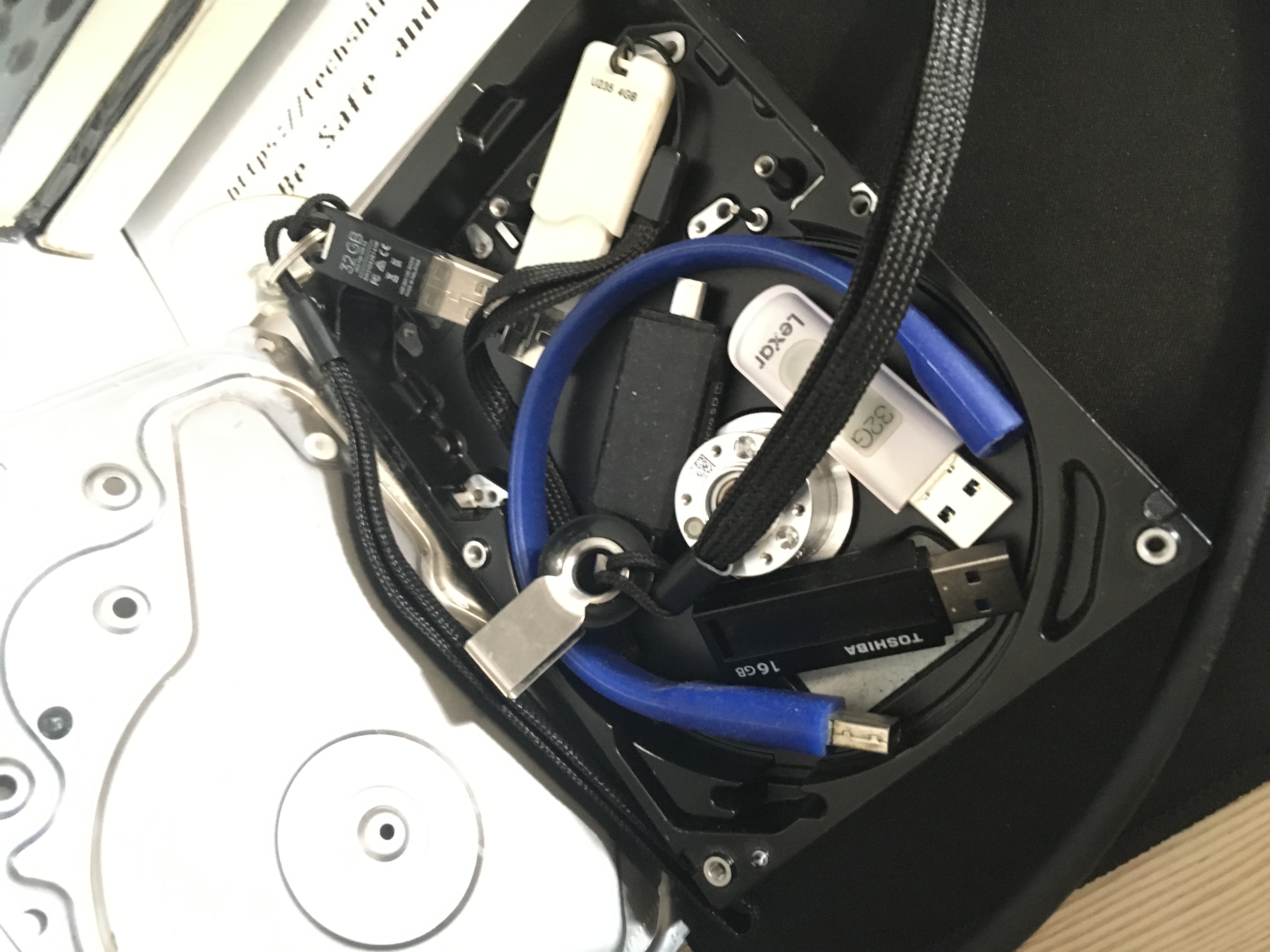
You can find some flash drives around the table. They are used for system installation purpose, e.g. making LiveUSB. You can borrow them for emergency if you really need one on the day you don’t have. Just keep in mind wipe your personal data before returning.
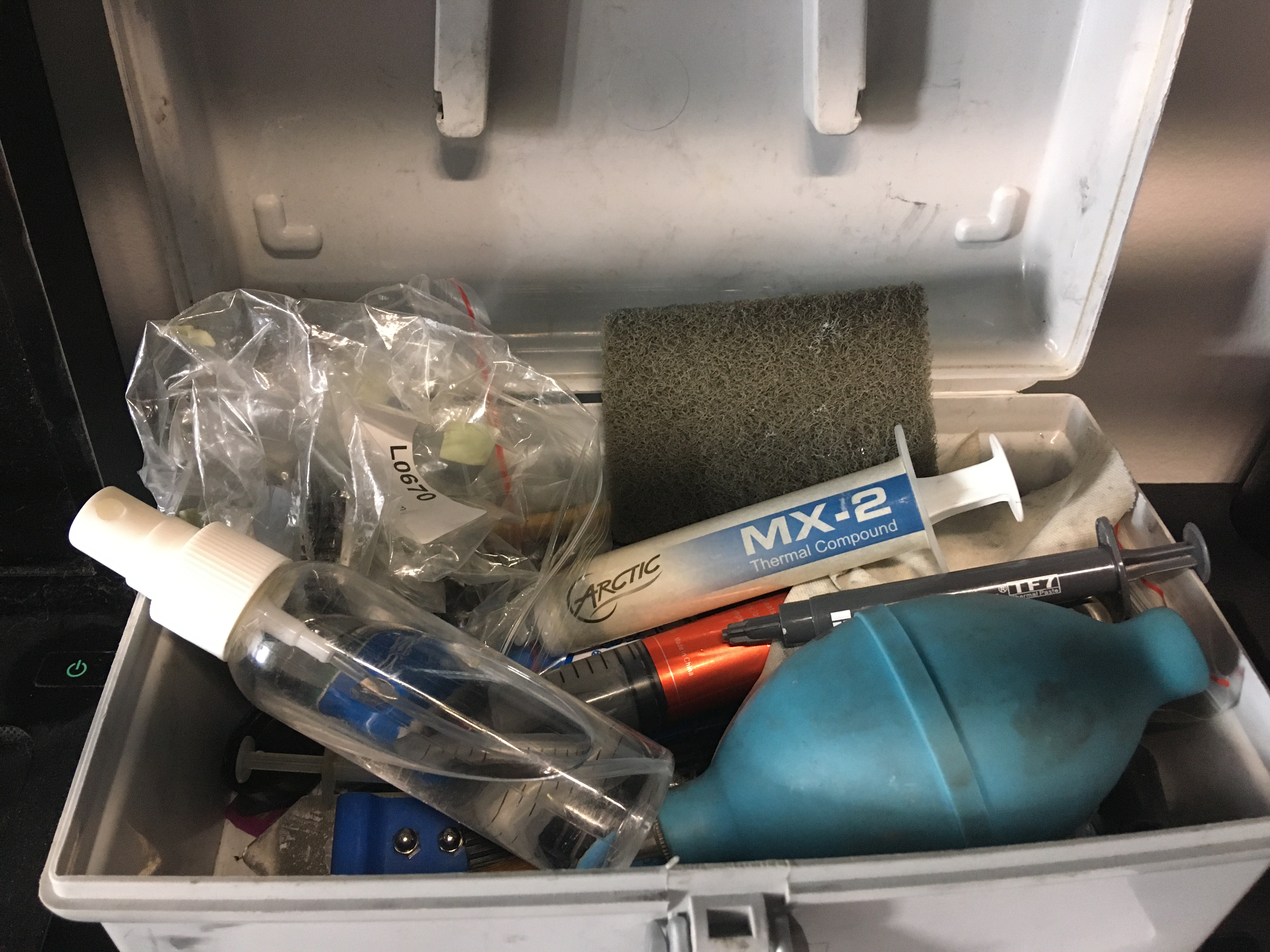
Inside the little grey toolbox, you can find tools for cleaning computers. Doing this can no long be a job nowadays, but still can be a decent gig if you really need to.
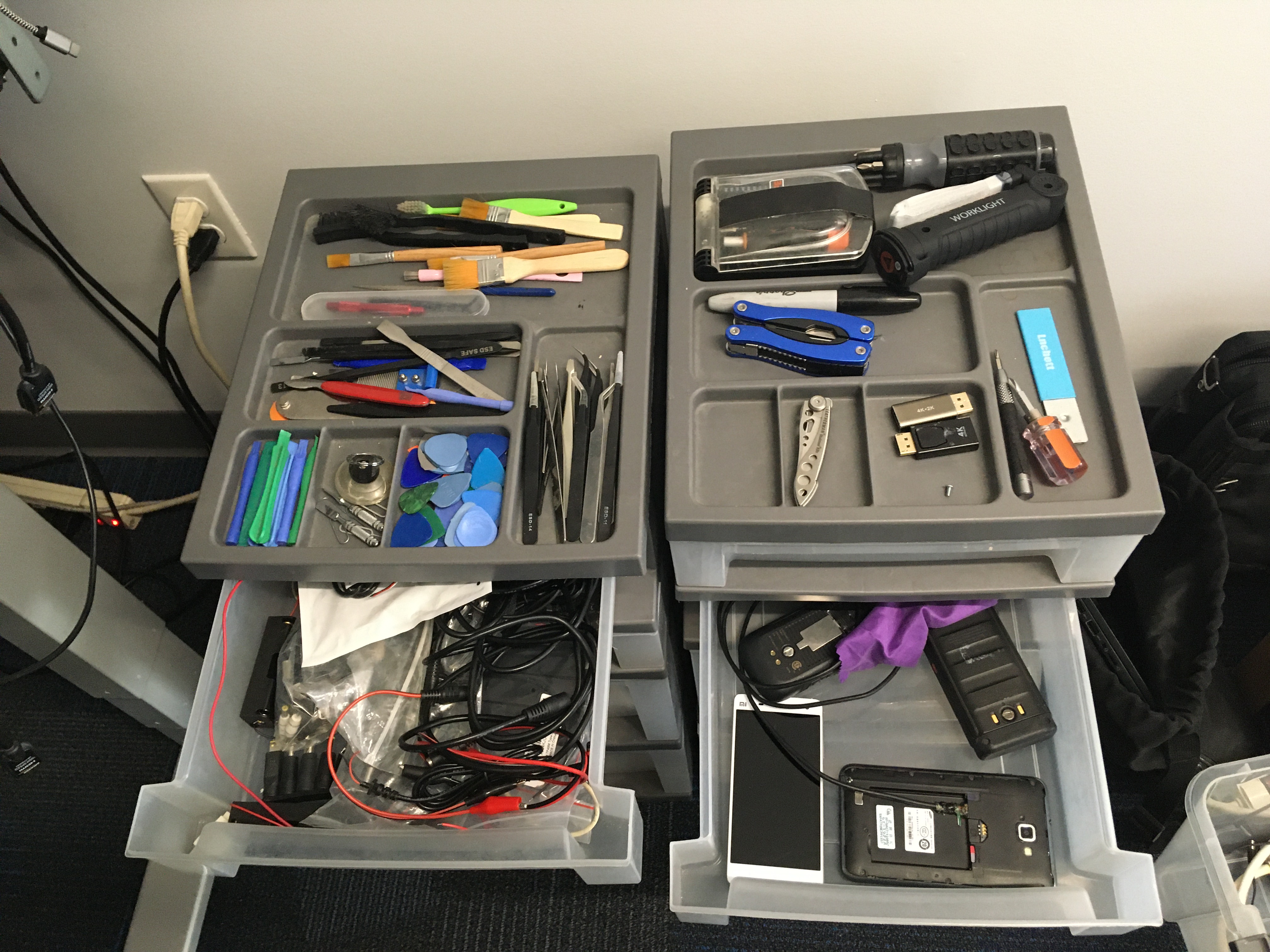
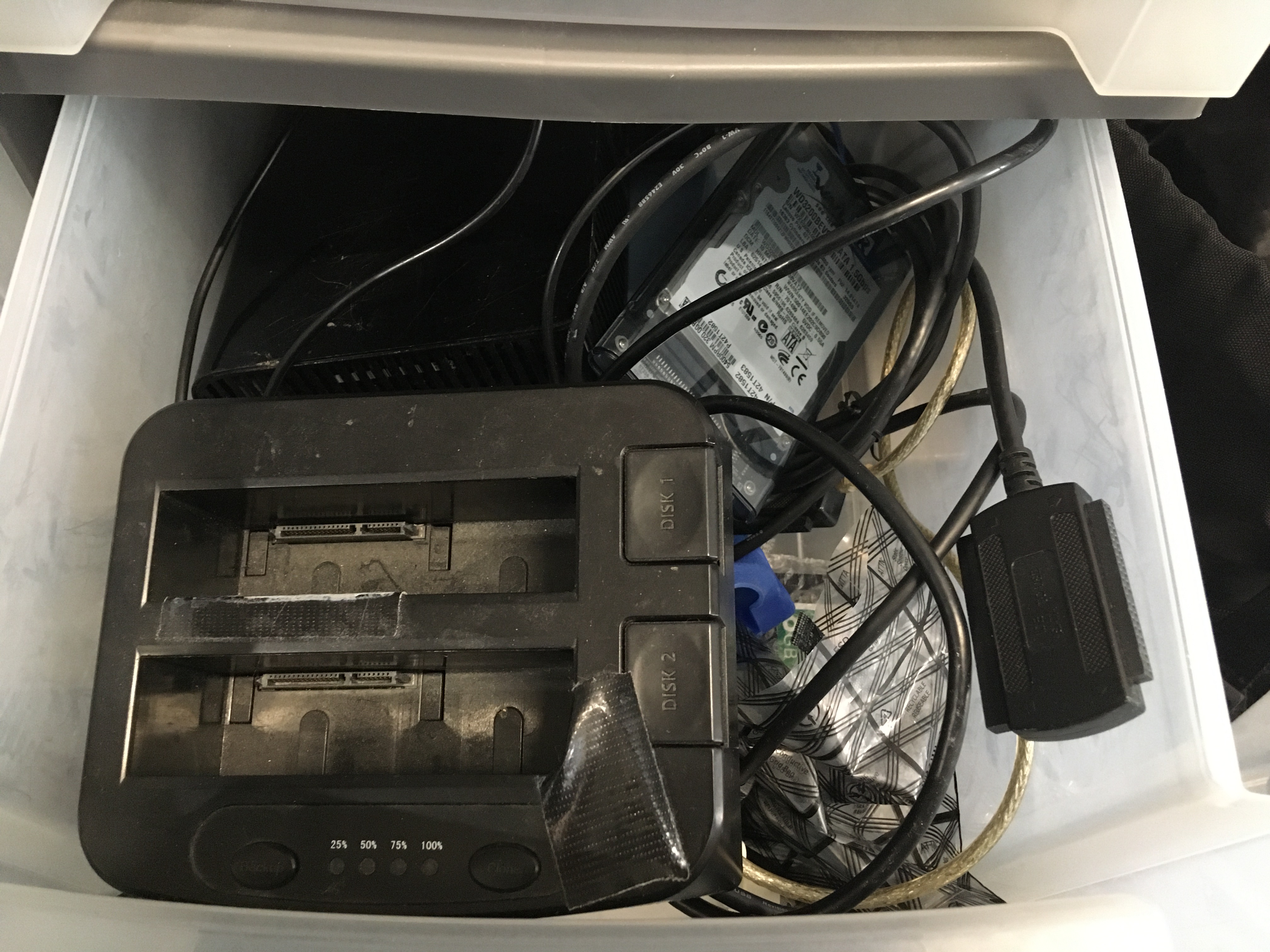
Next to the workstation, there are two drawers with some tools. There is one with tools for data storage. Many spare hard drives in this drawer as well, the largest are a Toshiba 3TB and a WD 2TB. These can be extremely useful for data recovery projects, to keep temporary backups such as system images. Be sure to wipe the data after use. These things have became extremely valuable due to current AI speculation.
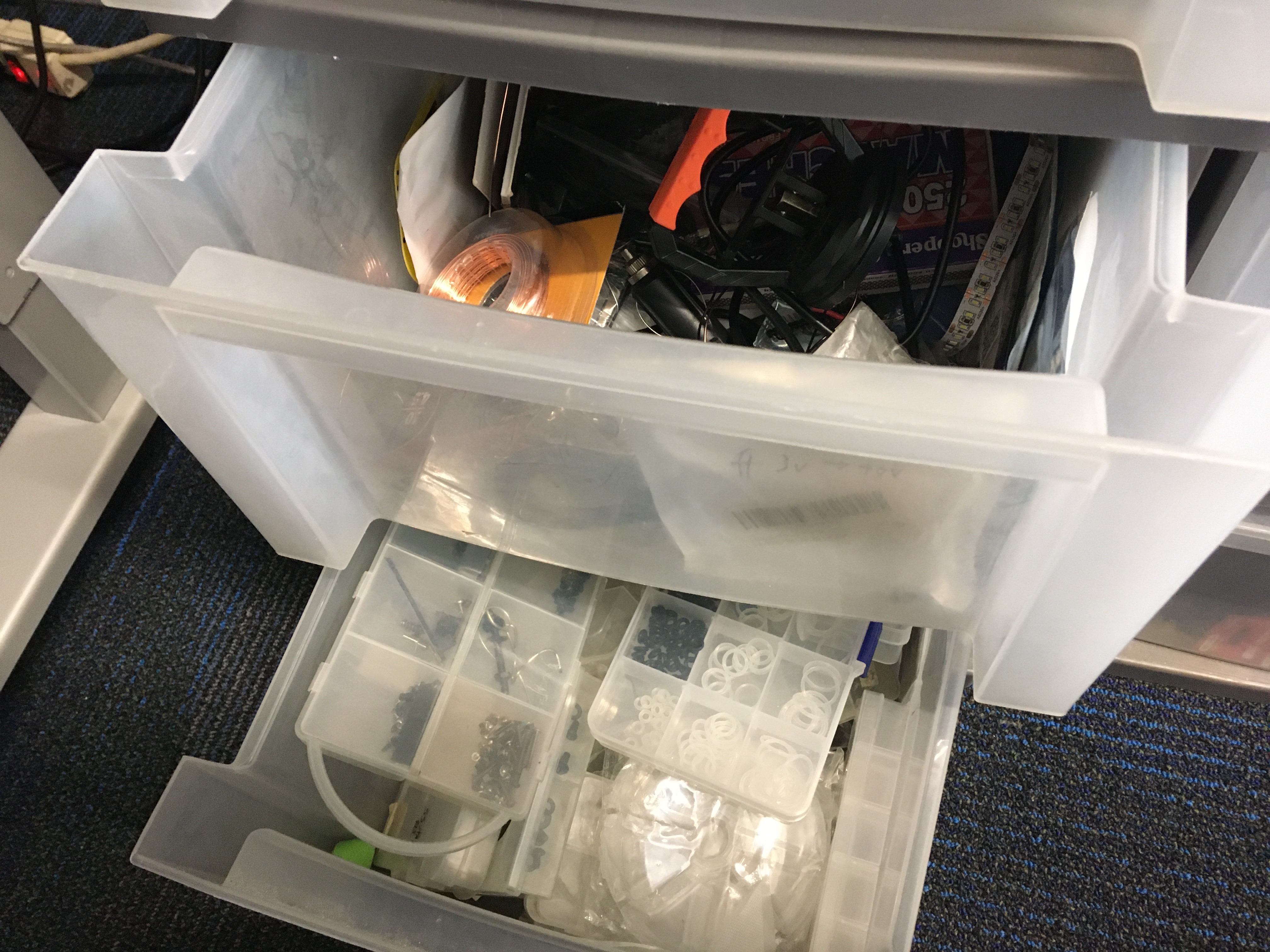
In the bottom drawer, there are boxes of screws and other small parts that I collected from computers and phones over a decade. You can always find a fit down here if you need a random screw.
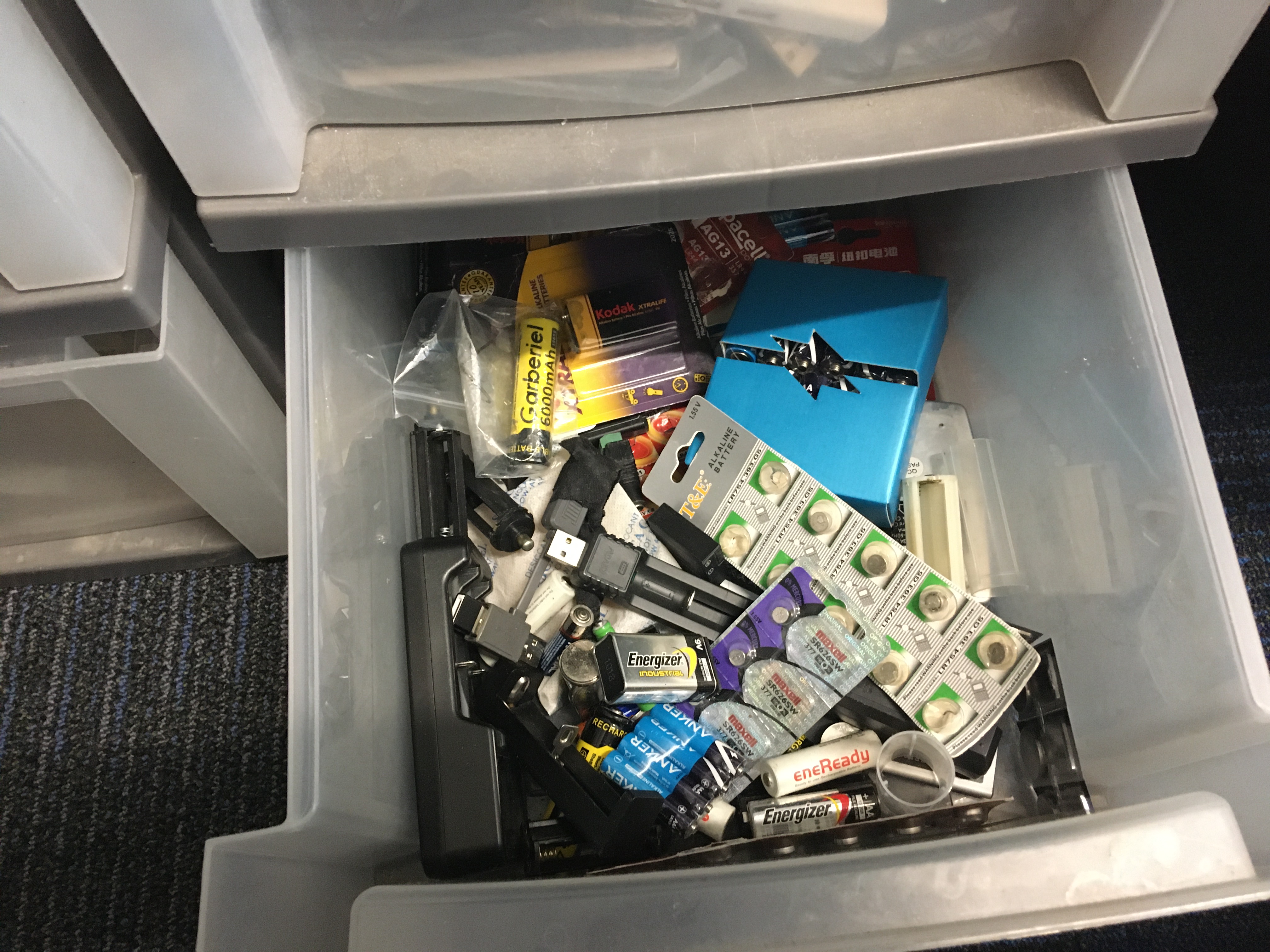
In another drawer, here are some batteries and chargers. Use them to aid emergency situations and resupply this drawer as you got new ones. You don’t need to return the one that can’t be recharged.
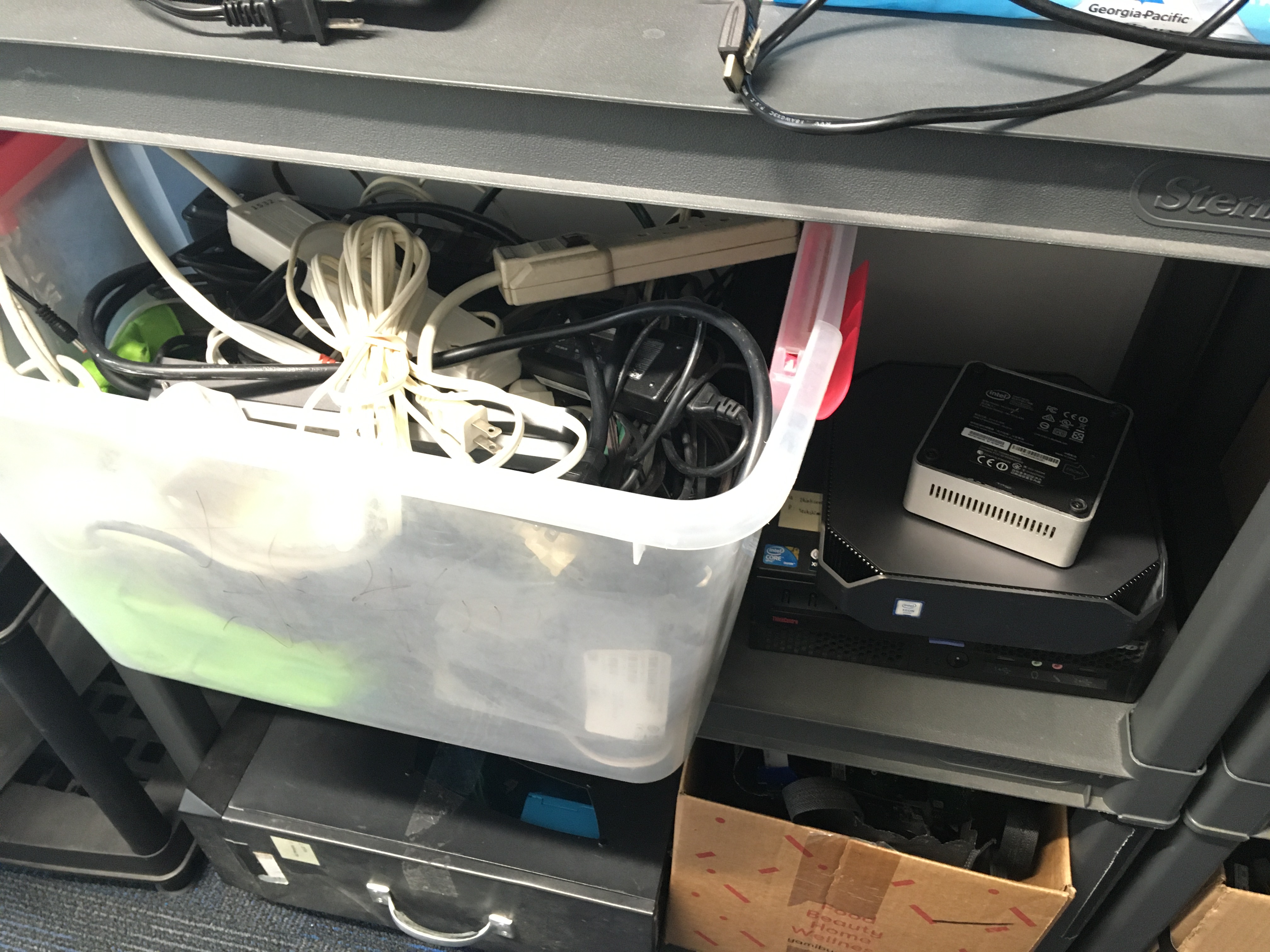
Here is a box of AC adapters and power strips. Use them for temporary occasion and return them after done. On the right, there are some small PCs. All of these are ready to use with CPU, RAM and HDD pre-installed, and you can find the login info on its exterior. If you need one for a longer time, you can keep it up to one semester (6 month). You may renew the period or keep it forever if you really have some difficulty.
The NUC on the top was bought for my eGPU experiment, but still can be a tiny low power home server. The machine in the middle is the HP Z2 G4 Mini in my very early article, Cheapskate’s Stable Diffusion Server. It is still capable running 0.5-7B sized AI models thanks to it’s 4GB VRAM GPU. The bottom one is the machine in Reviving ThinkCentre M58p in 2024. Check the article out about its hardware and why I chose to run NixOS on it.
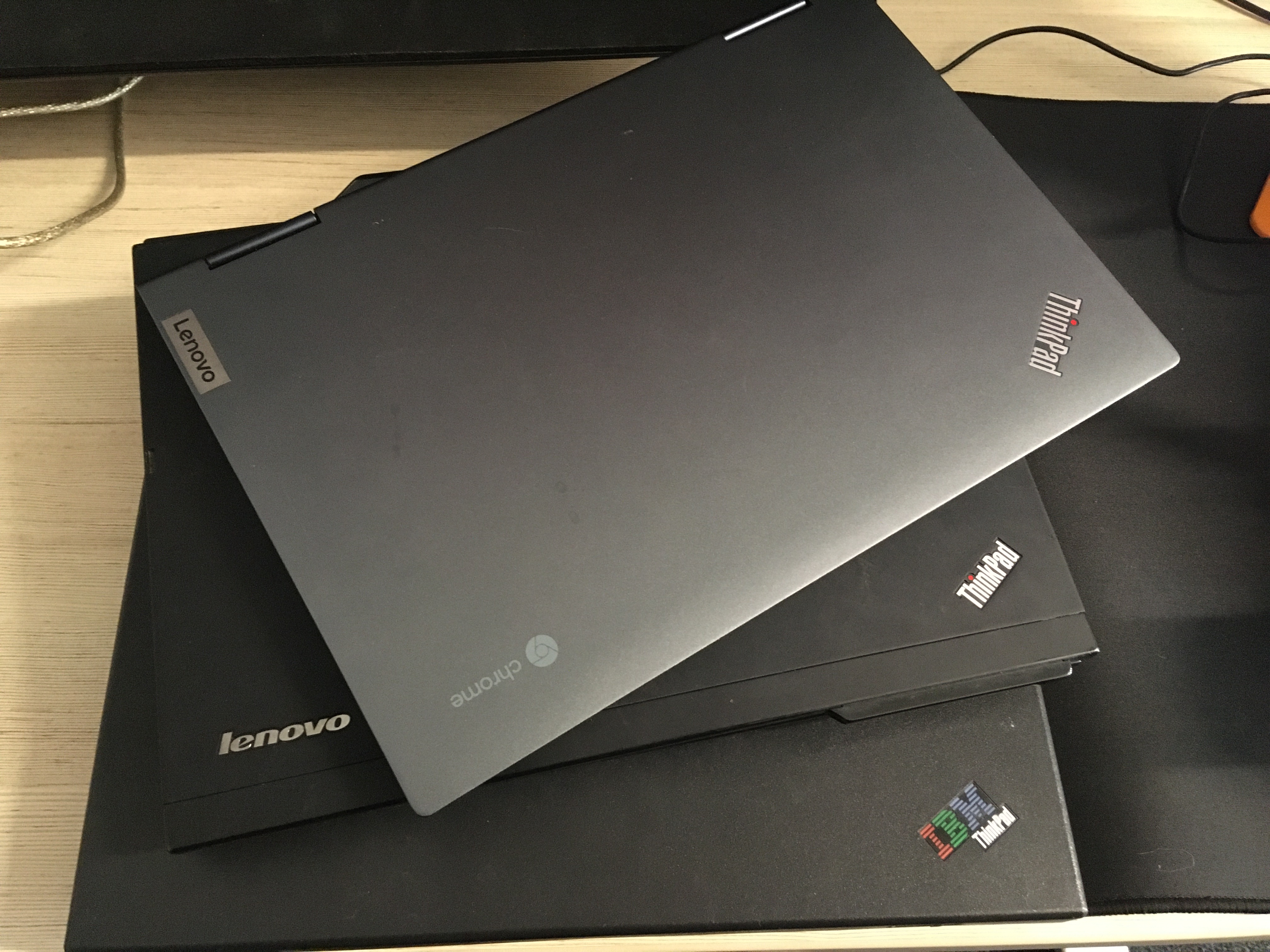
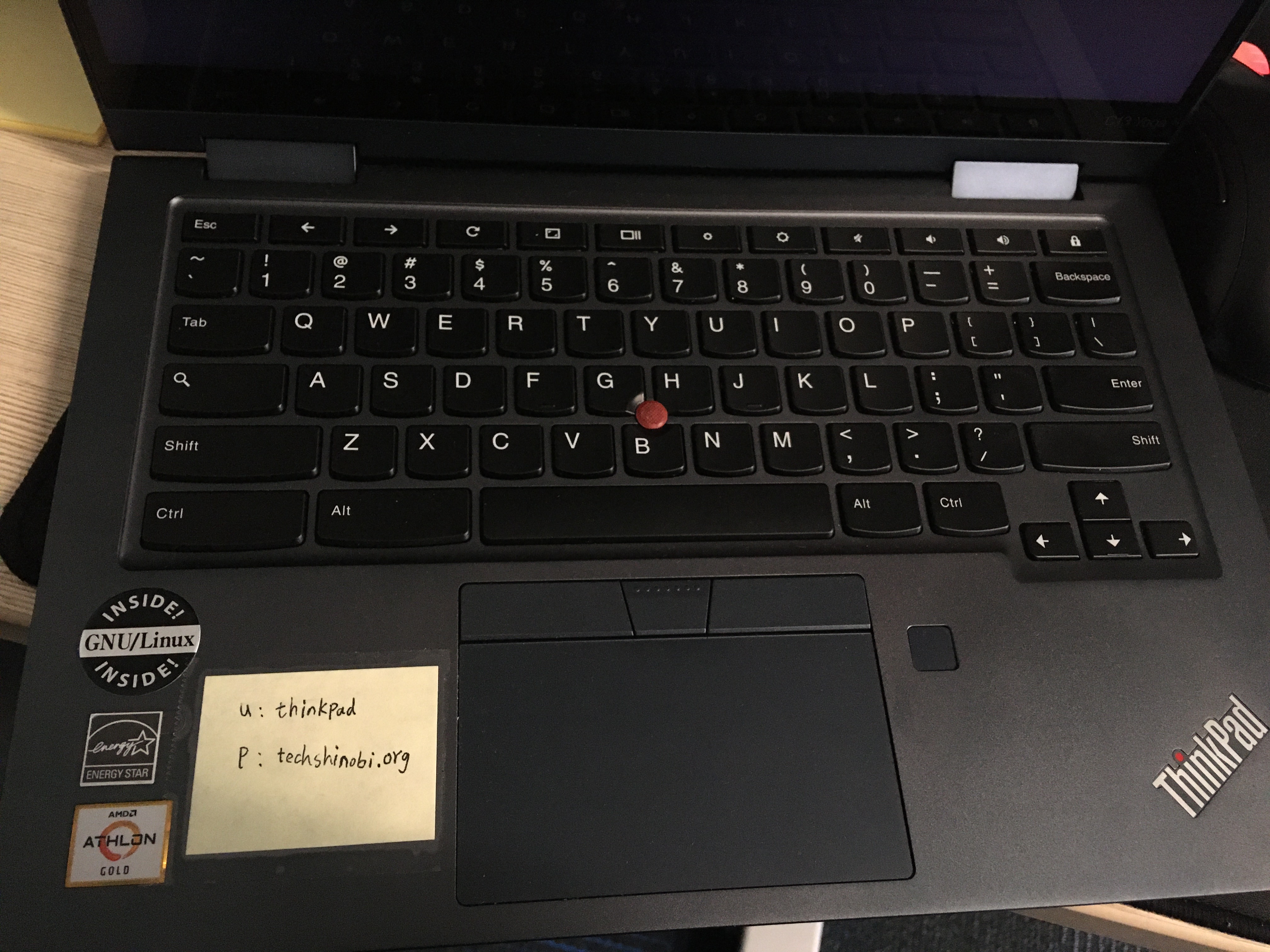
These laptops are also open to borrow for up to 6 month, and can be renewed as needed. From top to bottom, they are installed with EndeavourOS, Lubuntu and NetBSD, probably.
You can reinstall whatever OS you want, as long as it’s open source. You can keep it as reward if you successfully adopted to Linux as your daily driver from Windows/Mac because of these laptops.
You may notice that the ThinkPad with the GNU/Linux INSIDE! sticker is kept nicely, that is the C13 Yoga in my previous post and used to be my every day carry.
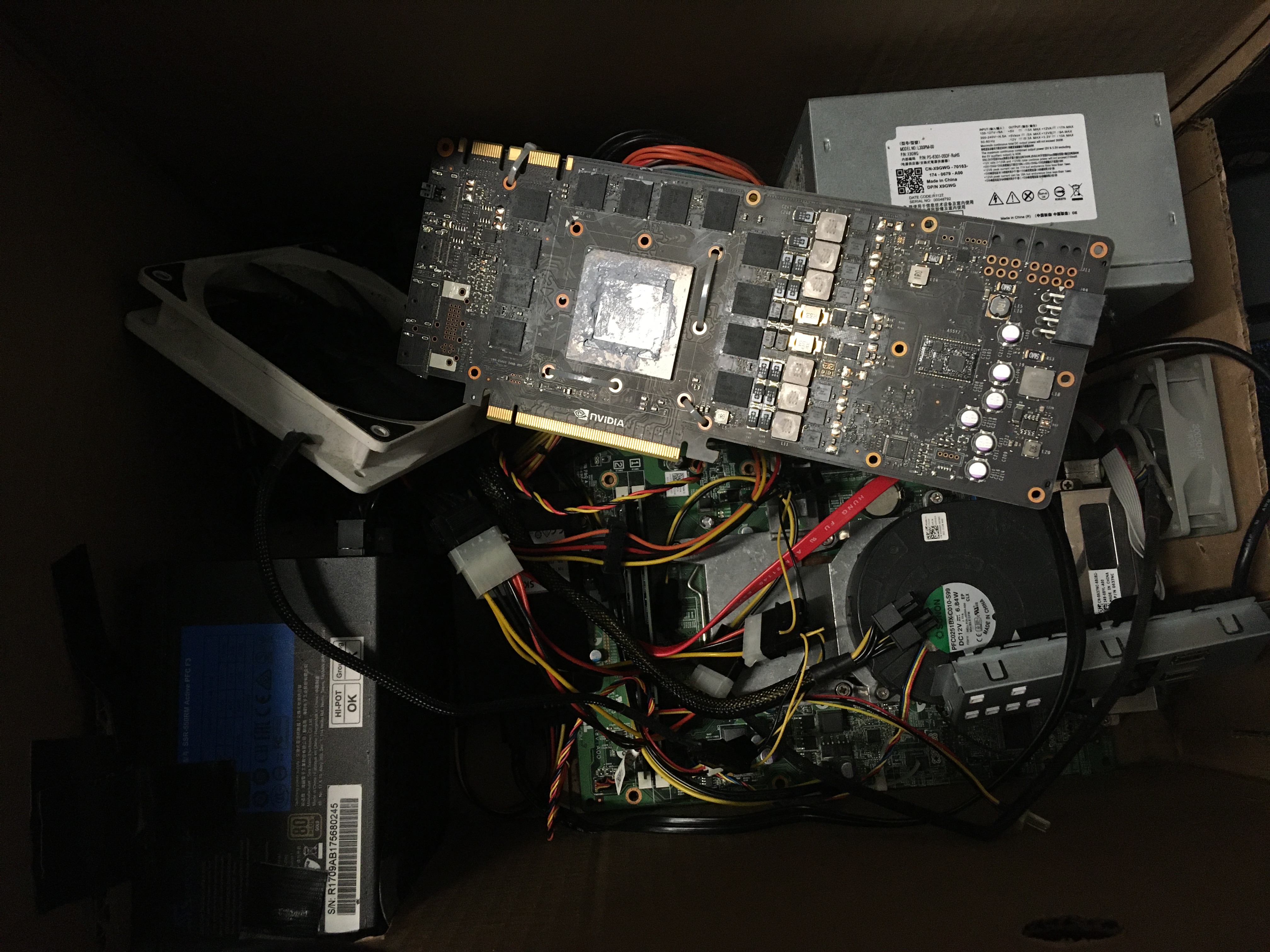
This is the machine with Tesla M40 24GB, it is the protagonist of my article Cheapskate’s Homebrew AI Lab back in 2023, and it is still a very capable powerhouse (perhaps in the terms of consumption :-P) since it has been upgraded in 2024.
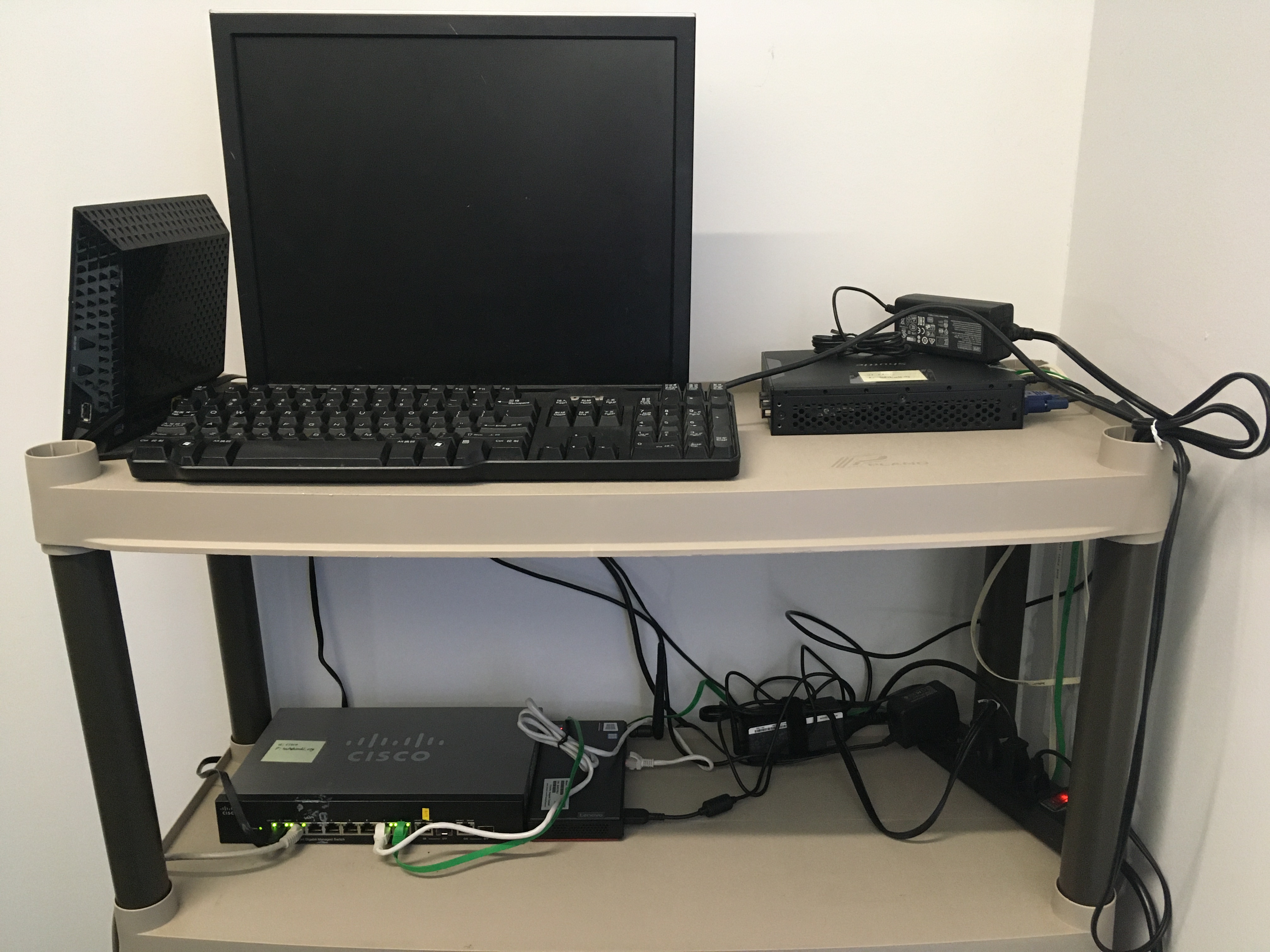
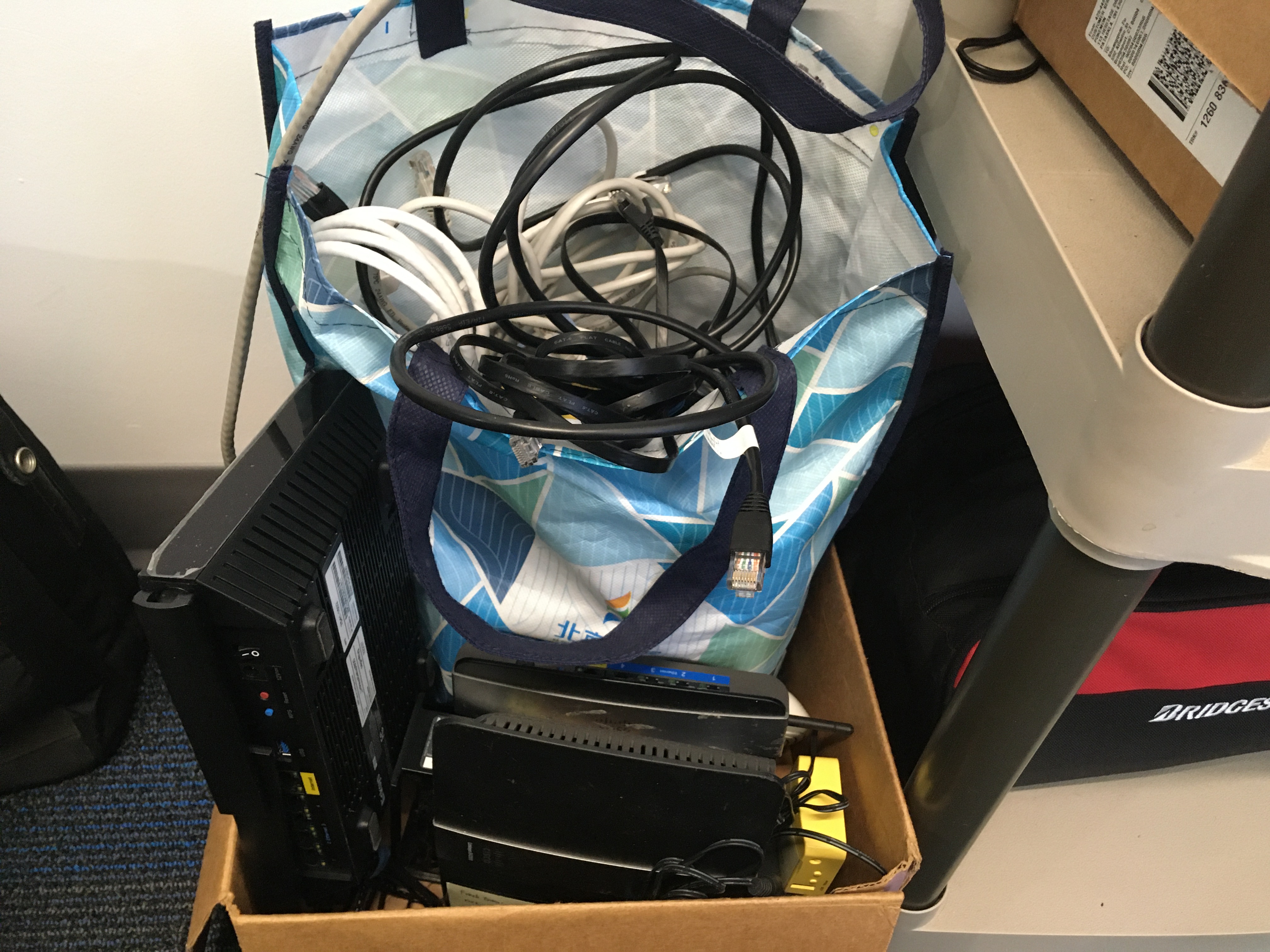
At the right hand side of entrance, there are all the networking devices. On the top level, a Netgear R6300V2 is running as an Access Point for Wi-Fi, this device has been working with me for 10 years with Asuswrt-Merlin firmware. On the right side is a Shuttle slim PC running pfSense as a firewall thanks to its dual Ethernet design.
On the middle level, there is a managed switch for advanced VLAN needs. The mini PC next to it is a portal for me to remotely fix things when needed. On the floor, there is a box of cables and routers, they are either flashed with Openwrt/LEDE/Gargoyle/LibreCMC, DD-WRT or tomato. You may noticed the protagonist of my Linksys MR7350 and Mobile WiFi Hotspot posts are laying down there.
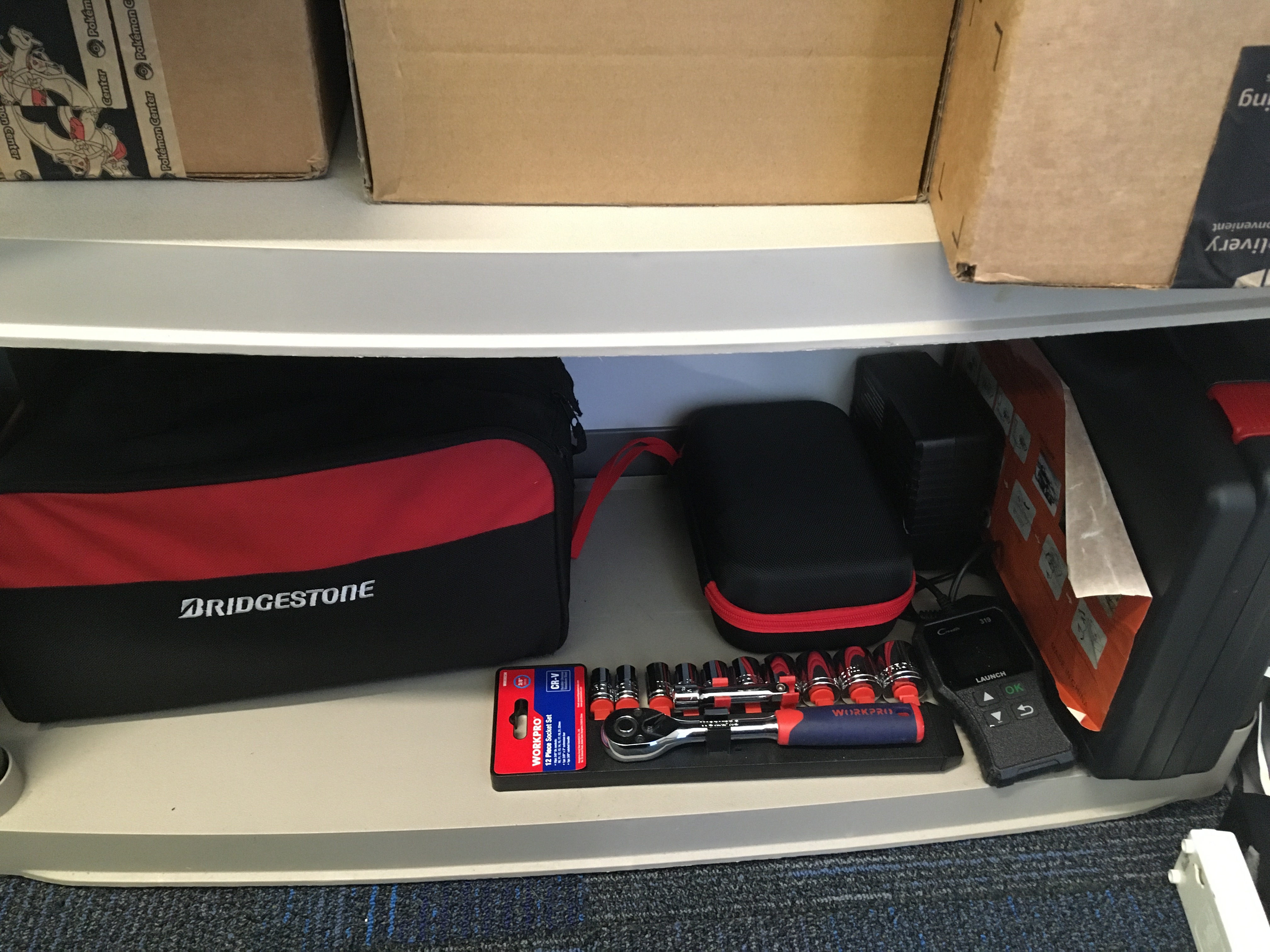
On the bottom level, here are some tools for cars. Two jump starters, one OBD tester, one air compressor and so on. Use them for emergencies, recharge and return after done. These can be very popular, do not keep it for long.
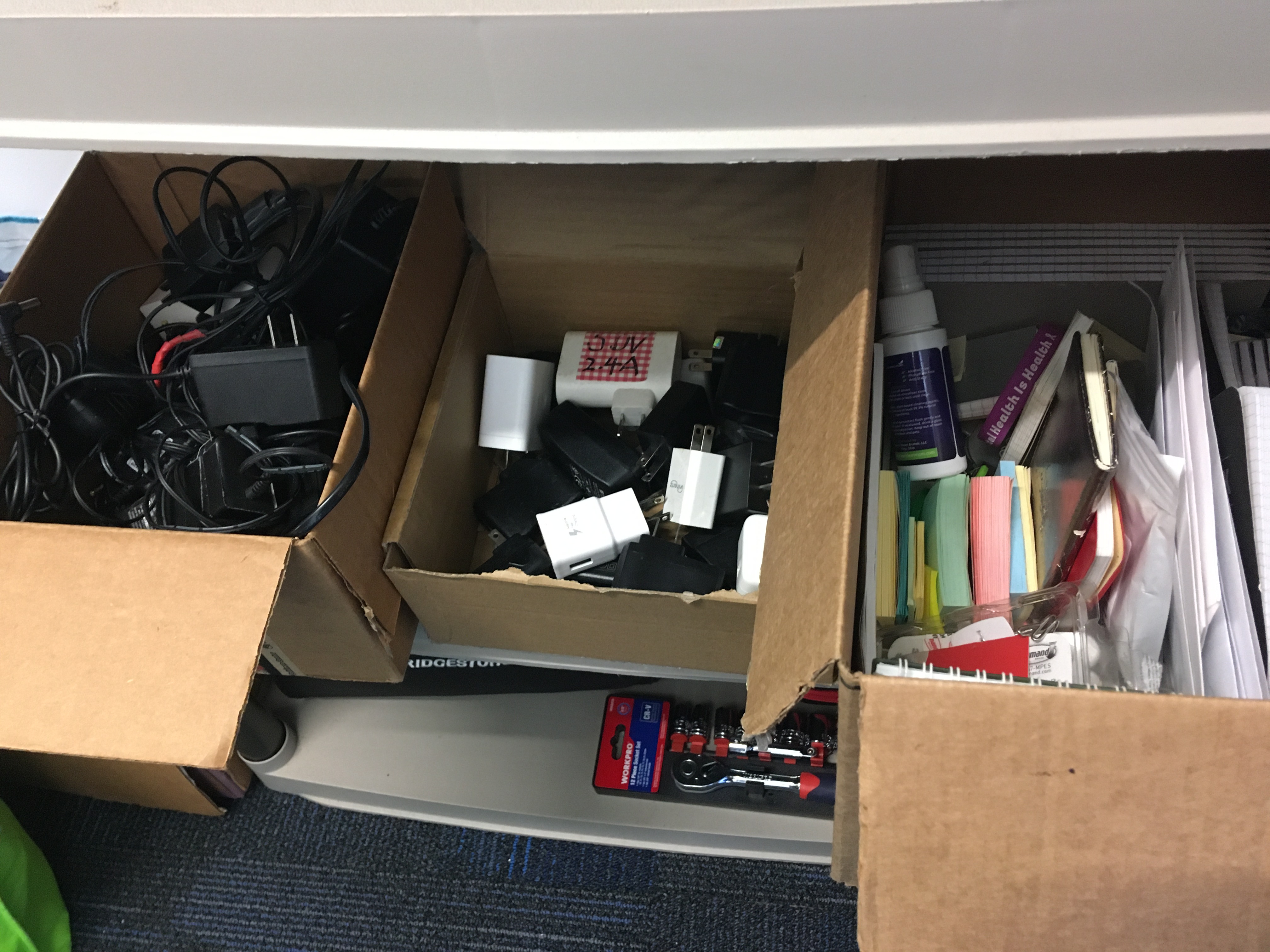
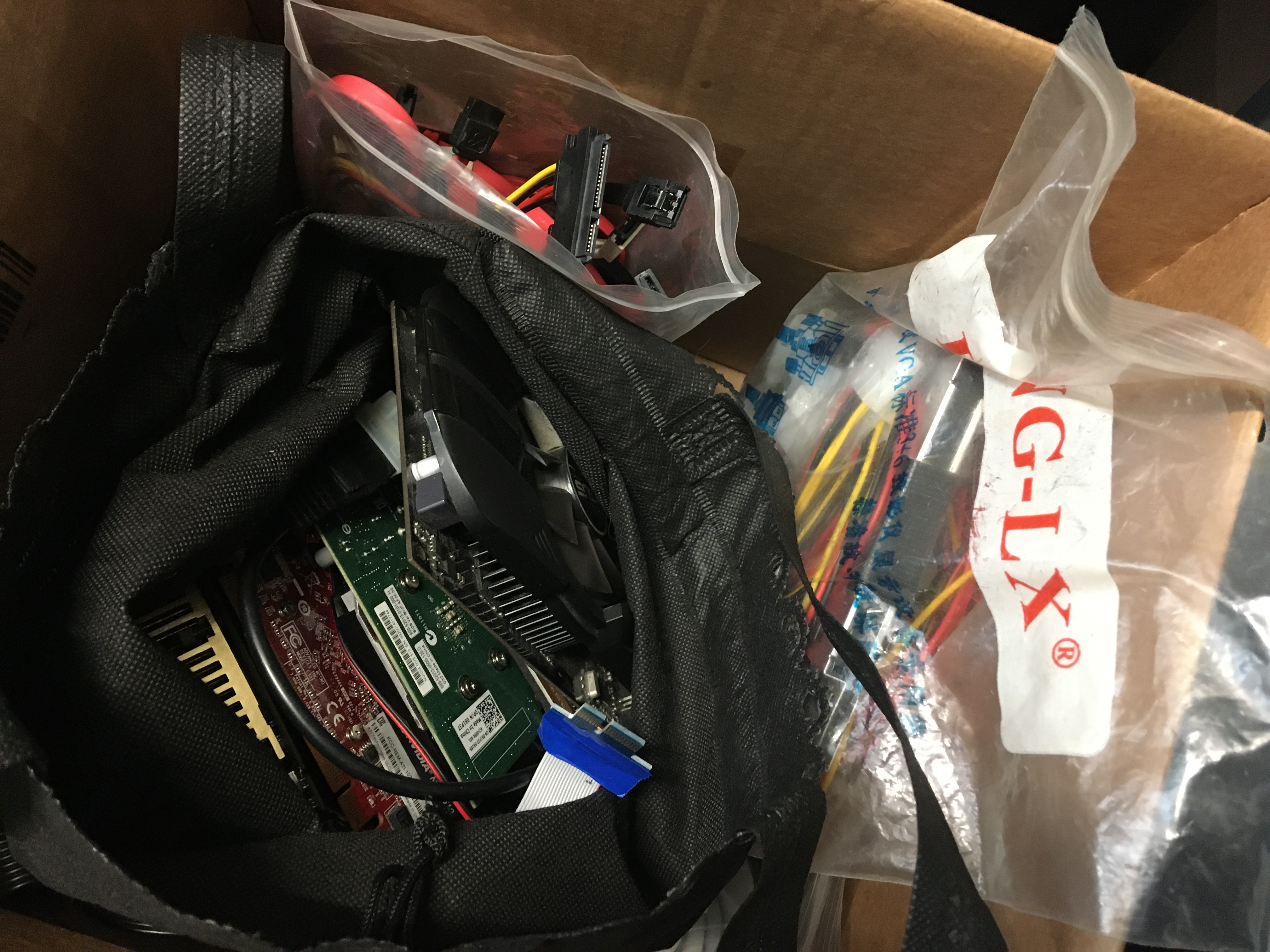
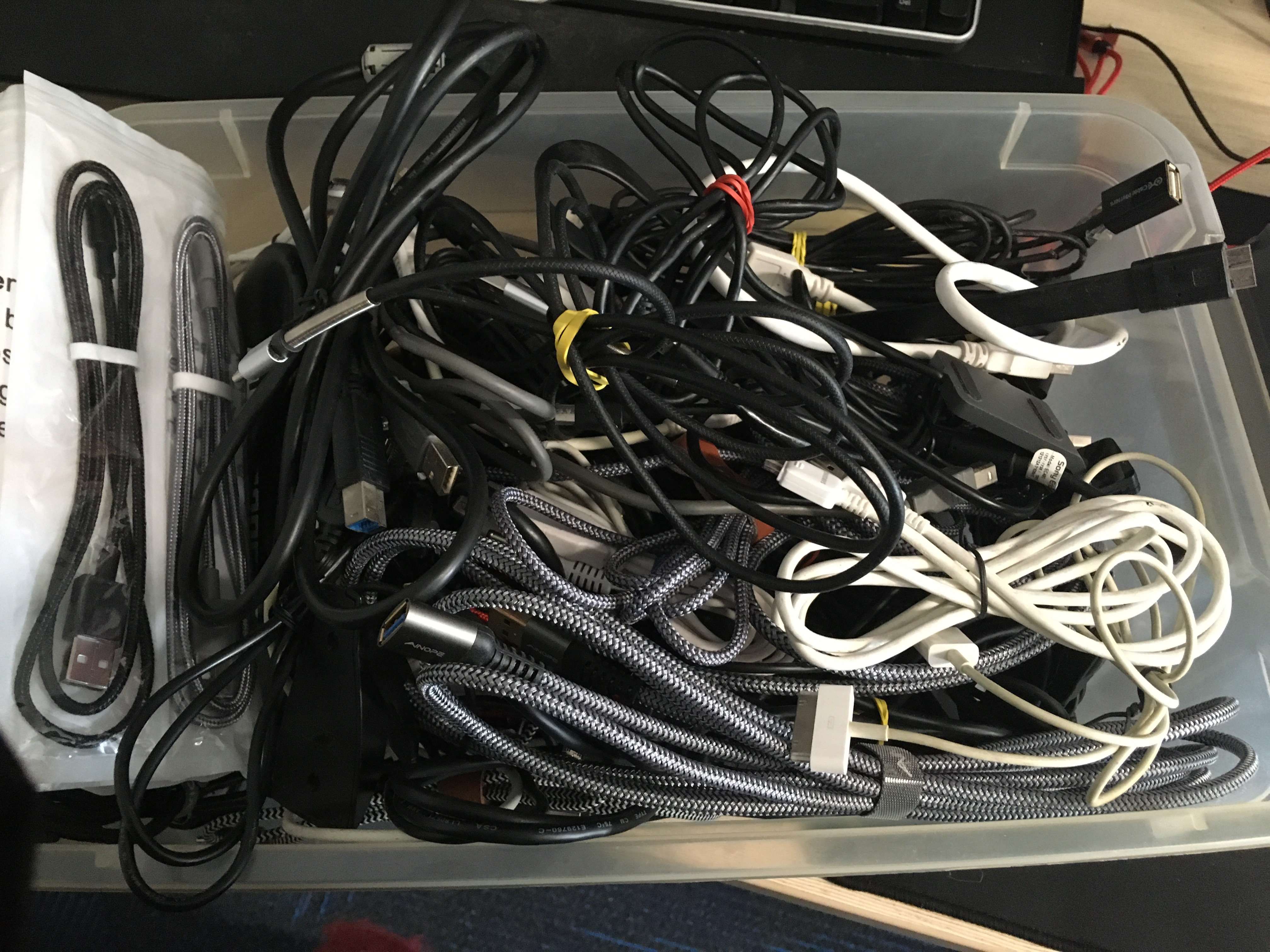
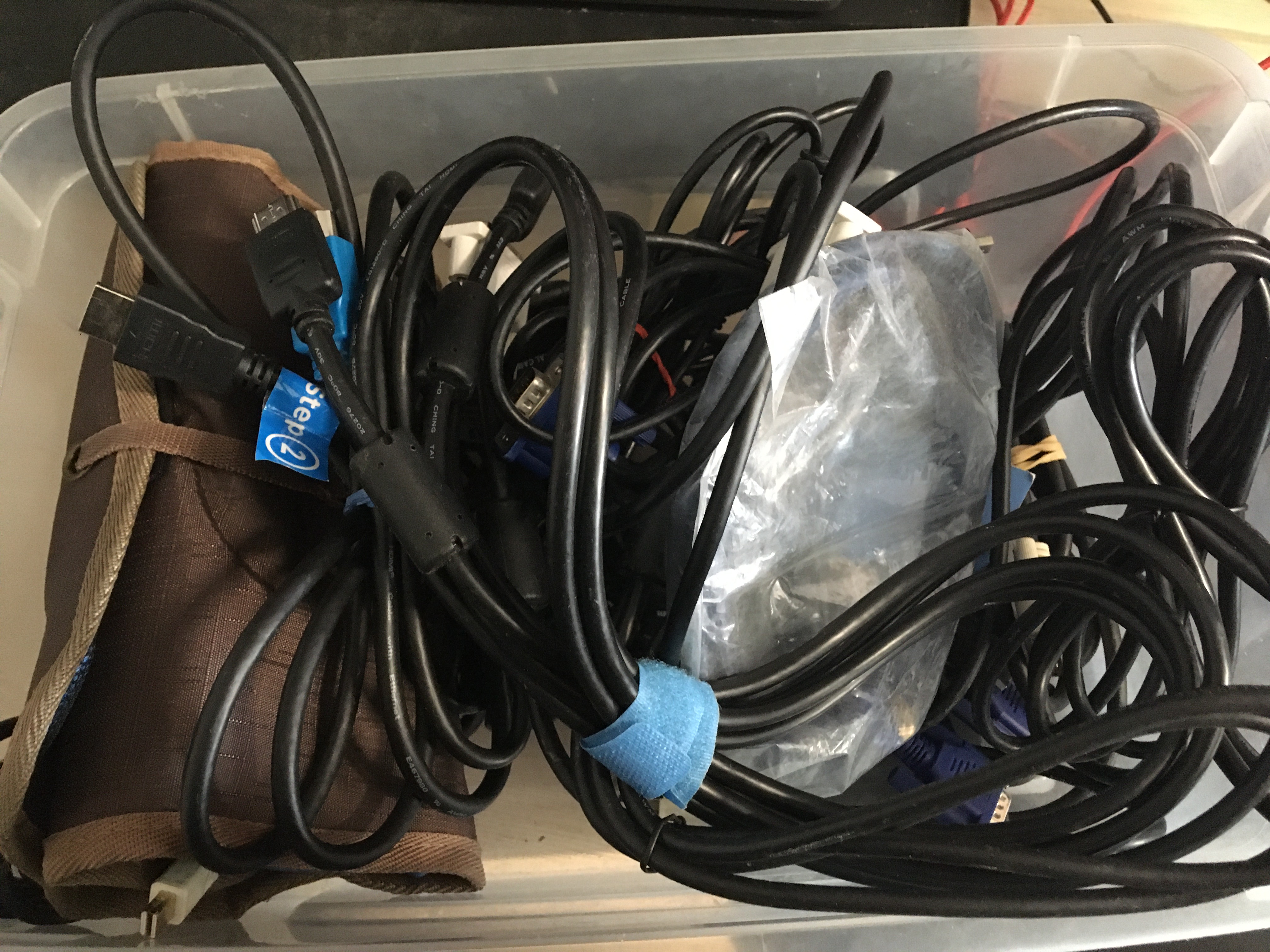
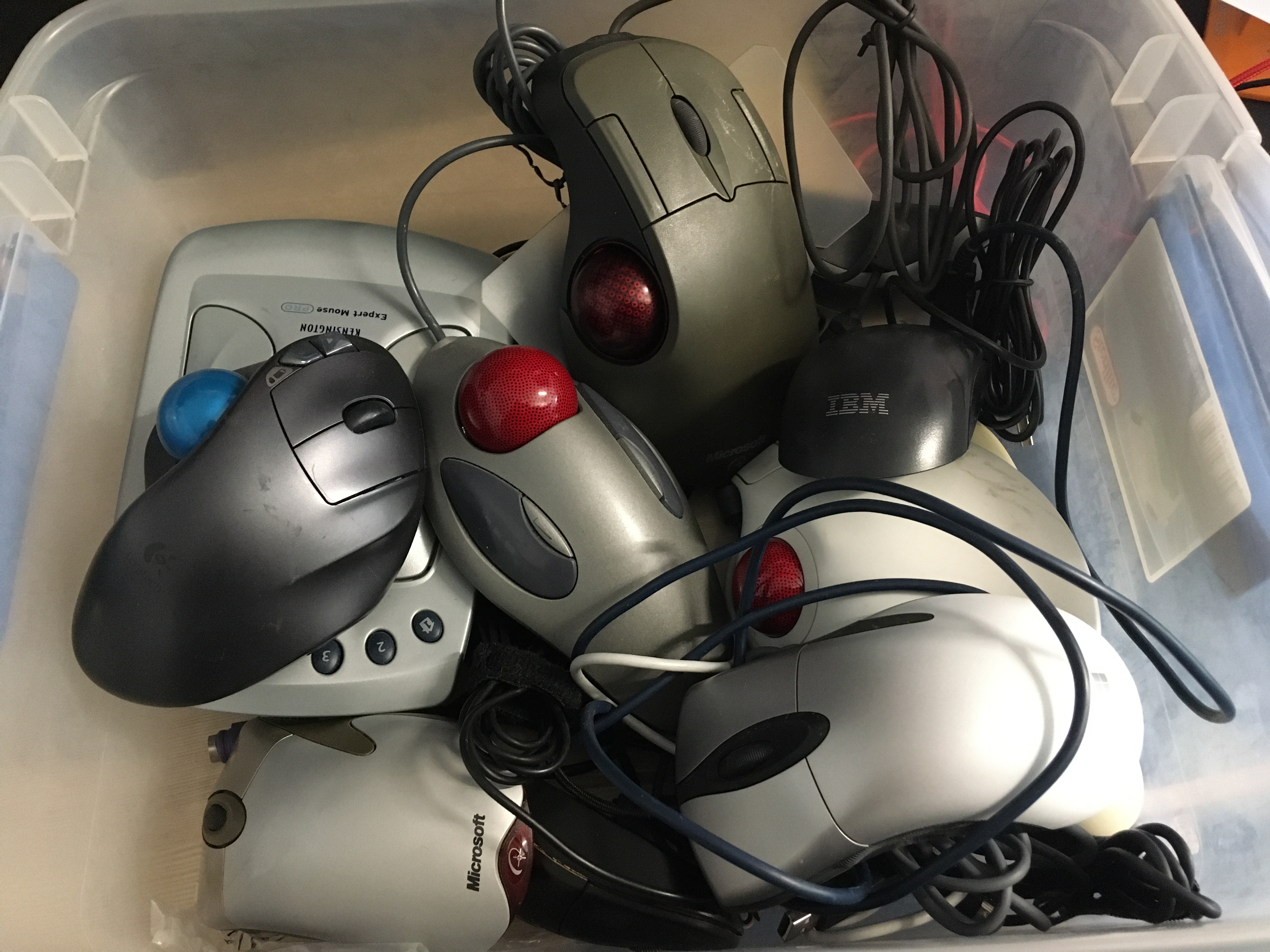
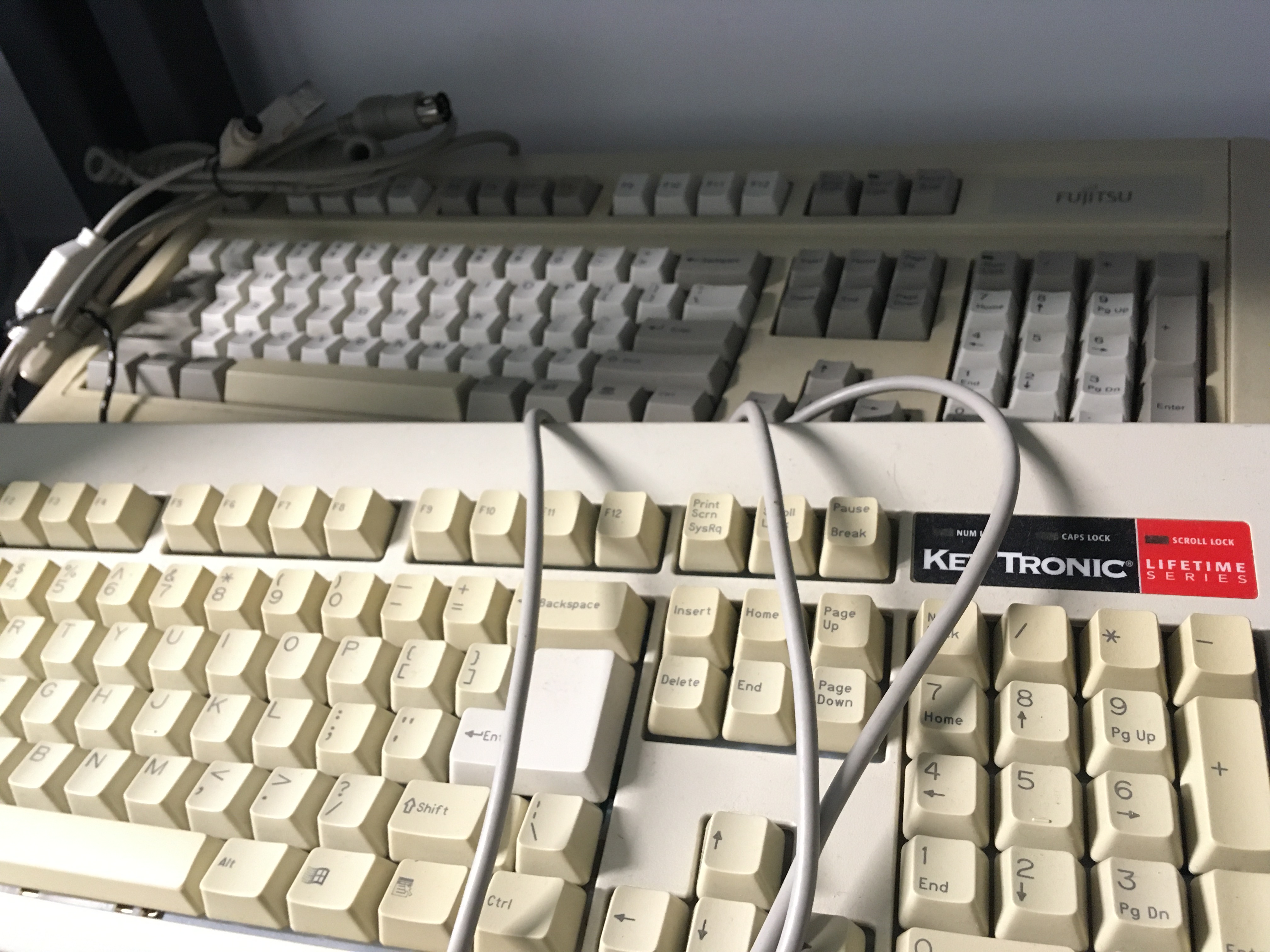
You can find all sorts of supplies and accessories around this room. You can borrow and return them. You can also take what you need and return something similar or could be useful to share with others.
Do not pile them up or sell them for personal gain. That is self-fish, counterproductive, and reactionary. Please talk to us if you are having some economic trouble, and we can help you based on our mutual aid value.
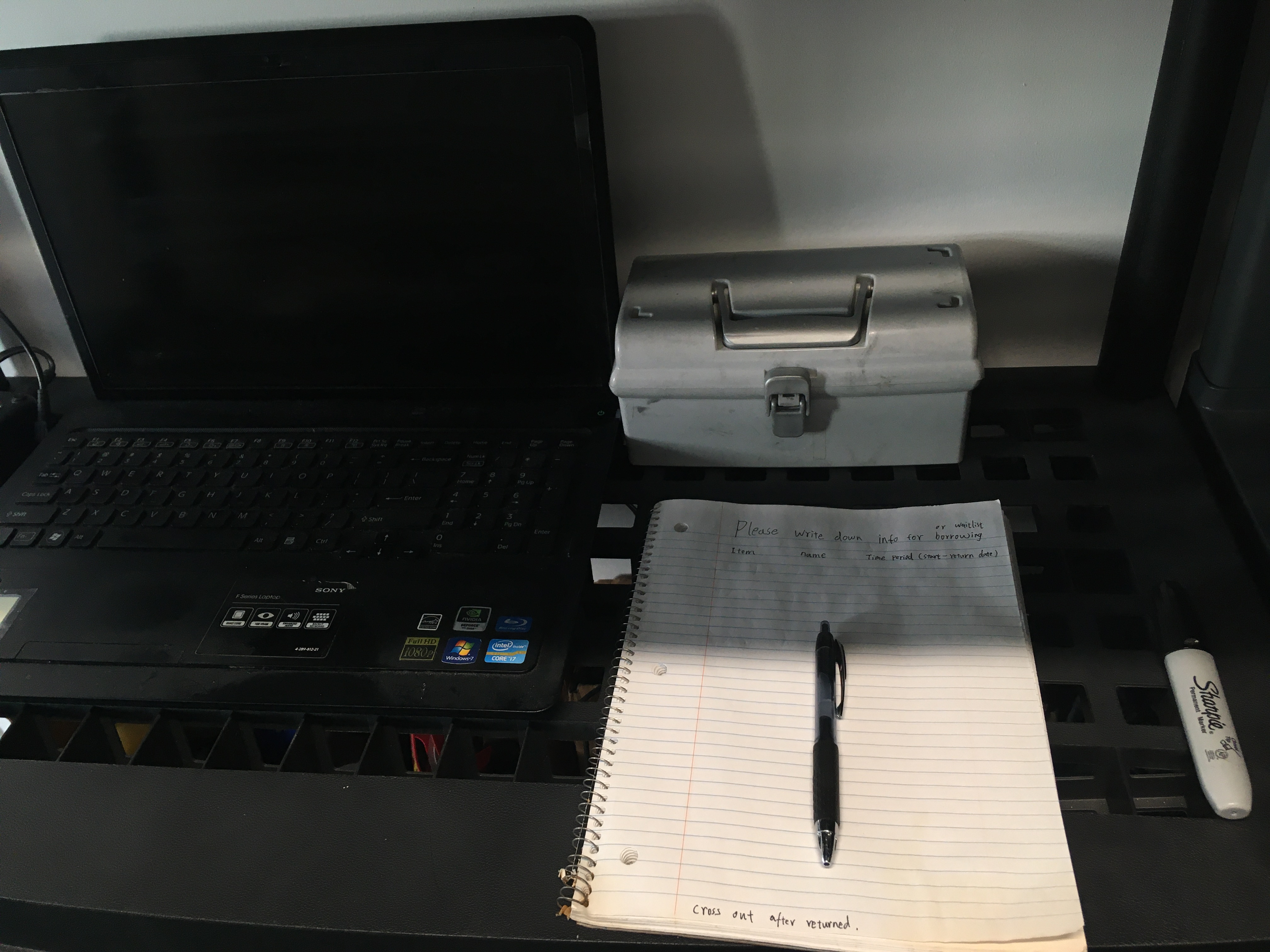
When you exit, make sure to write down what you are borrowing and how long it would be. You can also wishlist something we don’t have right now, so someone may share it because of it’s on the list.
The laptop next to the notebook can keep the record too. Just use the text file on the desktop.
Send me an email if you’re interested in joining as a maintainer/co-host of the hackerspace.